
Can an approval happen by email?
Email can deliver the request, but the system should authenticate the decision maker and record the exact item, version, action, and time in the authoritative workflow.
Automation & Integrations
Model approval workflows with submission versions, decision authority, deadlines, delegation, escalation, and safe resubmission.
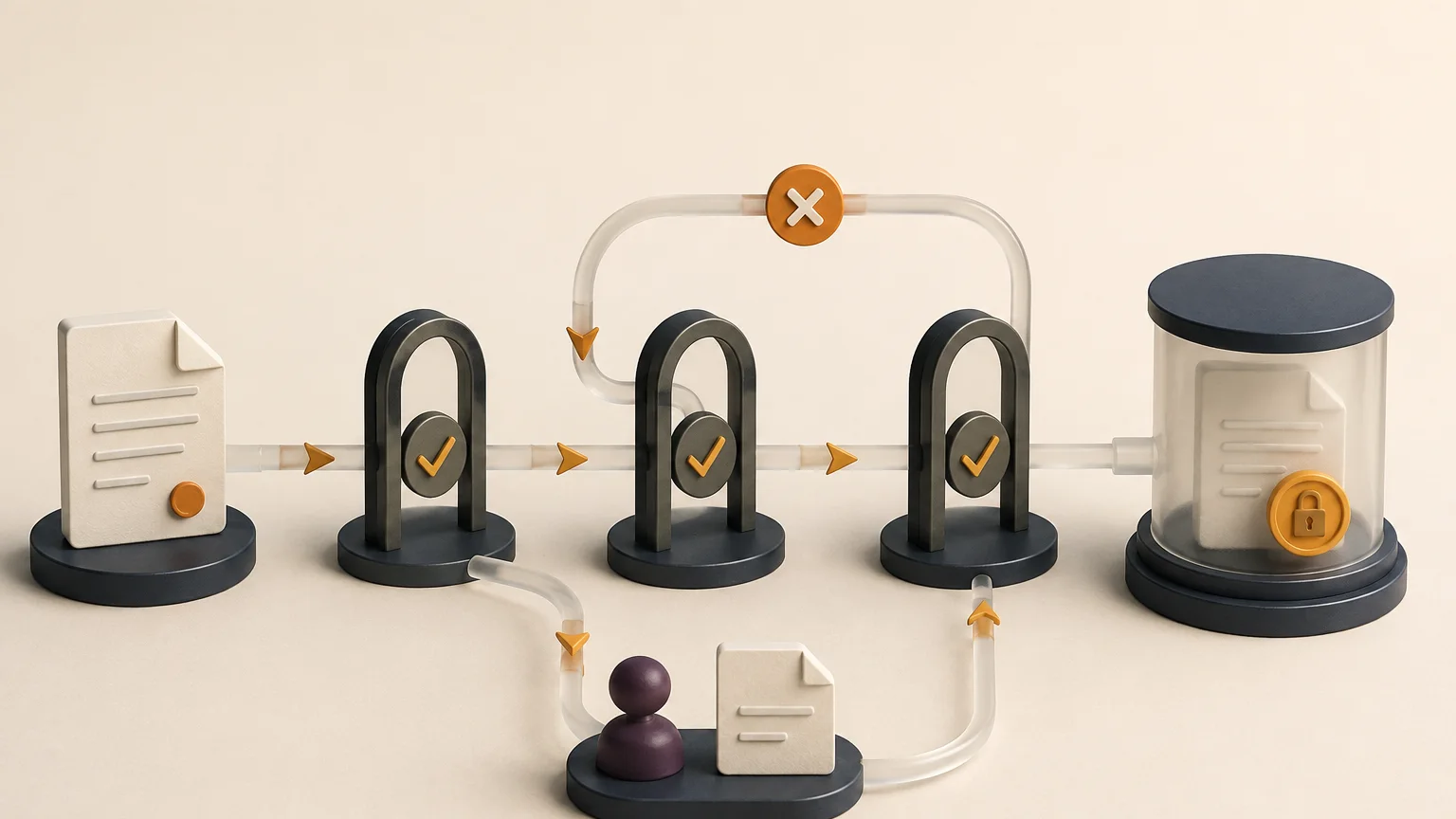
How the workflow connects
An approval workflow becomes unreliable when it cannot explain which version was reviewed, who had authority, or what happens after a rejection. A small state model provides that clarity and makes reminders, delegation, escalation, and audit history easier to implement.
A purchase, document, request, or change record can have multiple approval attempts over time. Create an approval record linked to a frozen submission version, requested decision, policy, assigned approver, and deadline. Later edits should create a new version or invalidate the pending approval visibly.
Useful states might include preparing, submitted, assigned, reviewing, changes requested, approved, rejected, expired, and cancelled. Define who can enter each state and what data is required. For example, rejection may require a reason while approval above a threshold may require a second reviewer.
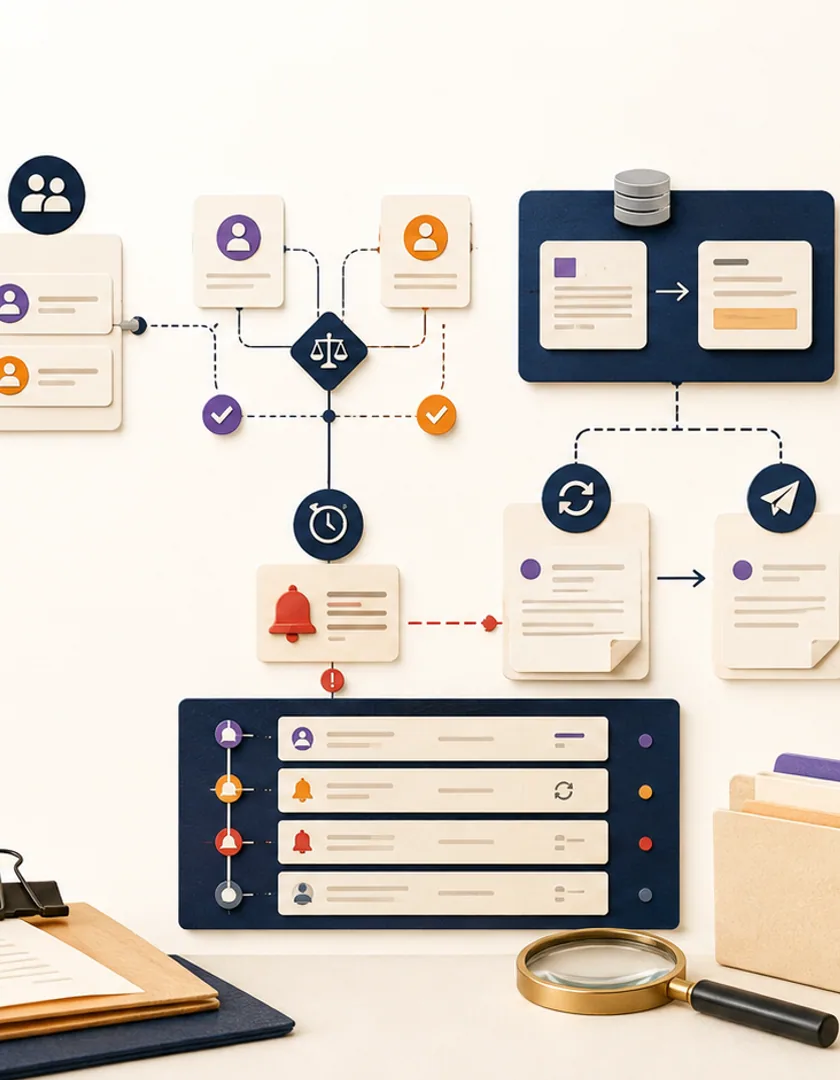
An escalation can notify a manager, reassign the decision, or create an exception without changing the approval authority. Delegation should identify the original approver, delegate, validity period, and policy basis. Avoid silently forwarding a link to someone whose authority the system never checks.
Changes requested should identify what must change and who owns the revision. A resubmission creates a new reviewable version and links back to the earlier decision. Final rejection or cancellation should close downstream tasks that are no longer valid.
Imagine an operations manager submitting a supplier purchase request. The request is validated against required fields, frozen as version three, and routed to a department approver. The approver asks for a revised delivery date, so the approval closes as changes requested while the purchase request returns to editing. Version four is then submitted as a new approval attempt with a link to the earlier decision.
If the approver is away, a policy-approved delegate can accept the assignment. The audit history still records the original assignment, the delegation rule, the person who decided, and the exact version reviewed. After approval, the downstream purchasing task begins once; repeated notifications or page refreshes do not create another task.
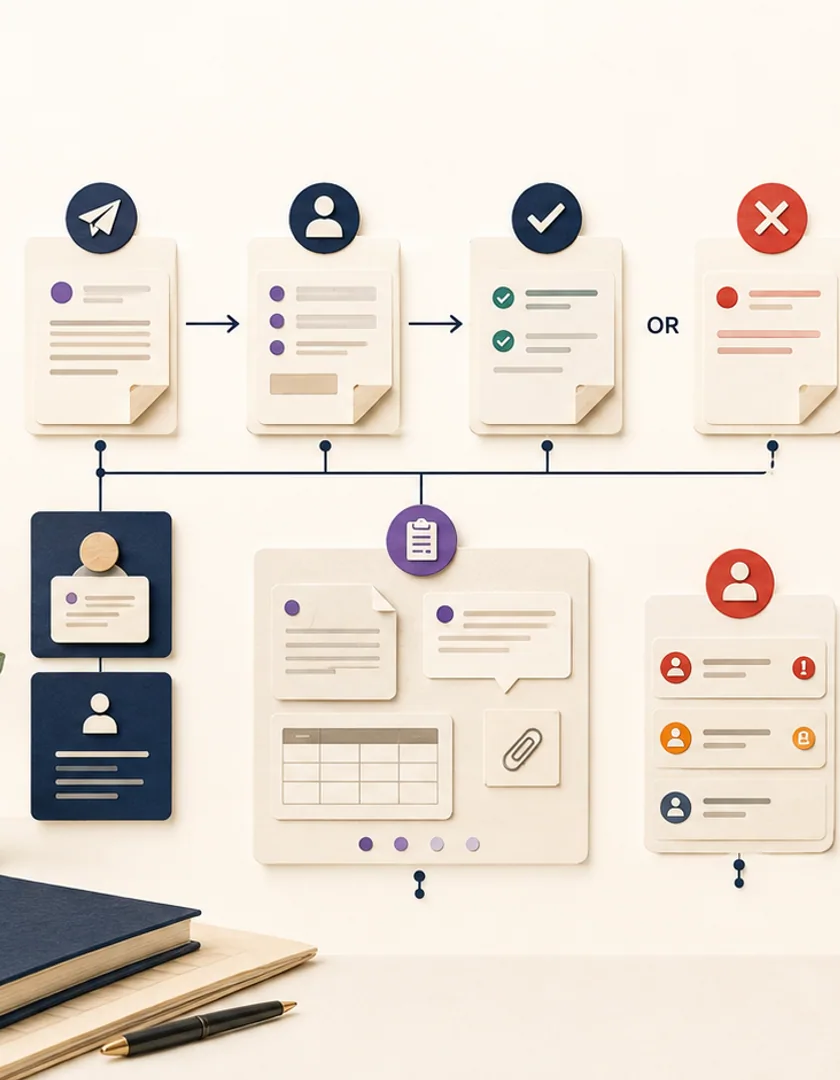
Visual guide
A state is useful when it tells staff what happened, who acts next, and which transitions are allowed.
Preparing
The requester can edit; no approval decision is pending.
Submitted
A frozen version awaits routing to an authorized approver.
Reviewing
An approver has accepted ownership of the decision.
Changes requested
Revision work is assigned and the reviewed version remains in history.
Approved
The decision is final and the permitted downstream action may start.
Expired or cancelled
The attempt is closed without pretending that a decision occurred.
Approvals fail in subtle ways when two people act at once or when a decision arrives after the underlying record has changed. Use a version check when accepting a decision and return a clear conflict if another action already closed the attempt. Notifications should link to the current record rather than embedding an action that can be replayed without revalidation.
Start rollout with a small request type whose authority rules are already understood. Review expired approvals, reassignment frequency, time in each state, and the reasons requests return for changes. Those measures reveal process ambiguity more reliably than counting how many reminder emails were sent.
Practical questions
Email can deliver the request, but the system should authenticate the decision maker and record the exact item, version, action, and time in the authoritative workflow.
Apply a documented reassignment rule, retain the original assignment, and verify that the new approver has authority for the pending decision.
Continue exploring
Work with Sun Cluster
Sun Cluster develops approval and escalation workflows with clear authority, state, notifications, and audit history.