
Should all app data be available offline?
No. Cache only what the offline job requires and what policy permits on the device. Sensitive or rapidly changing records may require a connection.
Web Apps & Software
Connect mobile identity, token handling, notification deep links, offline queues, and conflict recovery into one coherent application workflow.

How the workflow connects
A notification may open a record after the session expires. An offline edit may sync after another person changes the same record. A device may be lost while it still holds cached information. Planning these cases together creates a safer and more predictable mobile experience.
Document sign-in, token renewal, inactivity, biometric re-entry, password changes, device removal, and administrative revocation. Decide which cached views remain visible after expiry and which actions require a fresh authentication check.
Biometric unlock can protect a local session, but the server still decides whether the account and device remain authorized.
A push message can contain a record identifier and route, but the application must re-check access before displaying the record. Keep sensitive details out of notification text because previews may appear on a locked screen. Define what happens when the record changed, closed, or moved before the person opens it.
Give each offline action a client-generated identifier, creation time, record version, and visible state such as waiting, syncing, needs attention, or complete. The server should process retries idempotently and return a conflict when the action was based on stale information.
A note may be safely appended, while an approval or inventory adjustment may require review. Define merge, reject, or manual-resolution rules by action type. Show the person which work synchronized and which item still needs attention instead of presenting one generic connection error.
A technician opens an assigned work order while online, then loses service. The app stores the permitted record and its server version. The technician adds notes and photos, and the app places those actions in an encrypted local queue with stable operation IDs. A notification received during the outage can open the cached record, but it cannot prove that the assignment remains current.
When connectivity returns, the app refreshes authentication, checks whether the technician still has access, uploads each operation idempotently, and compares record versions. If dispatch reassigned the work order during the outage, the app preserves the technician's evidence and sends the conflict to review instead of overwriting the new owner.
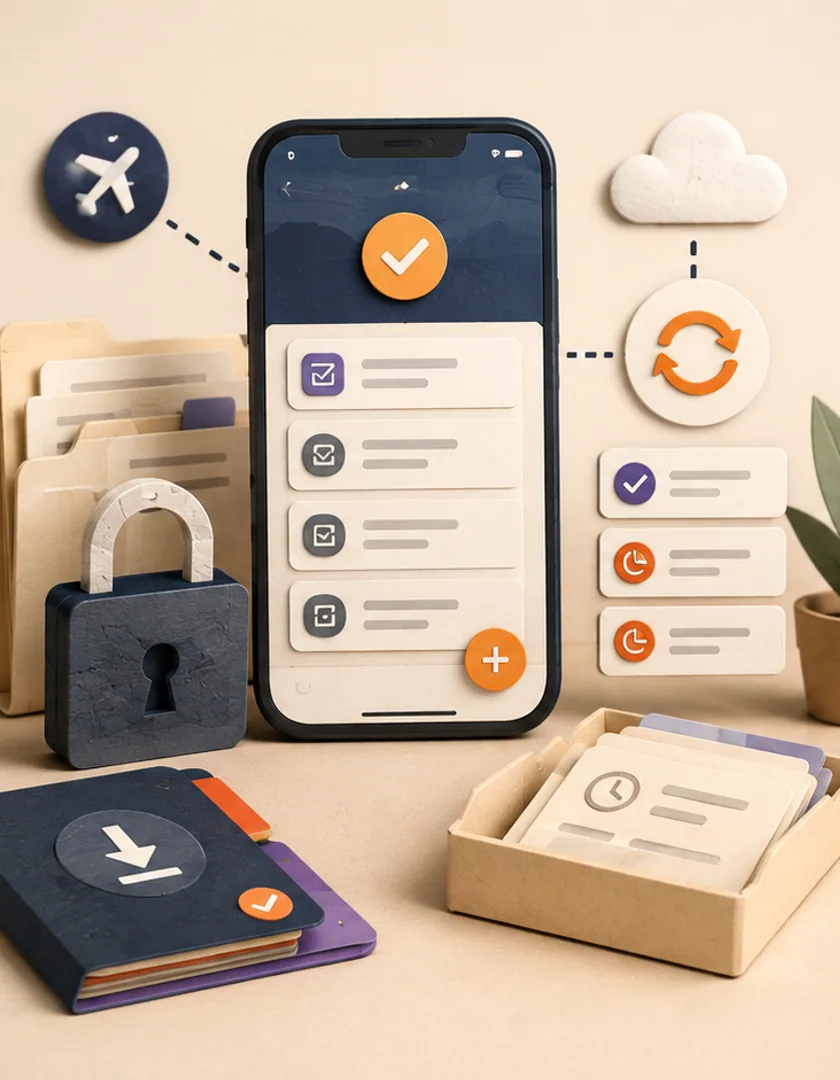
Visual guide
Local actions remain pending until the server revalidates identity, access, and current record state.
Online snapshot
Cache only permitted records with server version and expiry context.
Local action
Store the user's intent under a stable operation ID.
Pending queue
Show what has and has not reached the server.
Reconnect
Refresh identity and recheck access before upload.
Apply or review
Commit idempotently or preserve a visible conflict.
Treat a push notification as an invitation to refresh, not as authorization or the full business record. The payload should avoid sensitive details and carry a stable route identifier. After a tap, the app authenticates the session, checks current permission, retrieves fresh state when possible, and explains when the requested item is no longer available.
Choose conflict rules by consequence. A draft note may merge, while status, ownership, inventory, approval, or payment changes usually require server validation or human review. Provide a readable pending and failed-actions view so users can retry, discard, or contact support without clearing application data and losing evidence.
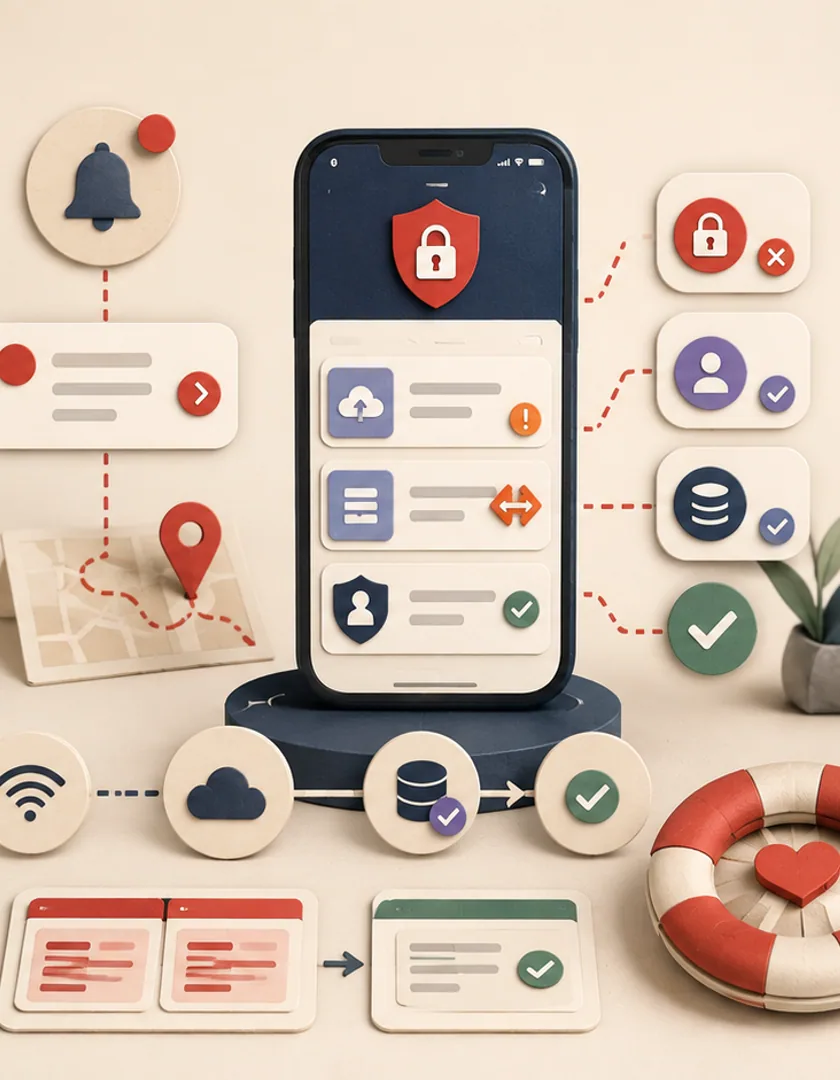
| Change | Possible policy | Why |
|---|---|---|
| Draft note | Append or merge | Low consequence and user-authored |
| Task status | Version check | May affect ownership and downstream work |
| Approval | Online-only or strict revalidation | Authority and current version matter |
| Photo evidence | Preserve upload and route conflict | Evidence should not be silently discarded |
Practical questions
No. Cache only what the offline job requires and what policy permits on the device. Sensitive or rapidly changing records may require a connection.
The answer depends on data sensitivity, device ownership, and task frequency. Use refresh and re-authentication rules that balance risk with the conditions of the job.
Continue exploring
Work with Sun Cluster
Sun Cluster builds mobile applications with identity, notification, data, and offline behaviour designed as one operating system.