
Does push notification support require a native app?
Web push is available in some environments, but platform support, install behaviour, and reliability differ. Test the required devices and delivery expectations before deciding.
Web Apps & Software
Evaluate camera, location, background work, biometrics, Bluetooth, and push-notification requirements before choosing a mobile application approach.

How the workflow connects
The useful question is not whether a mobile app feels more professional. It is whether the job depends on device hardware, background behaviour, offline work, or operating-system integration. A capability map makes that decision concrete and identifies the testing burden each feature introduces.
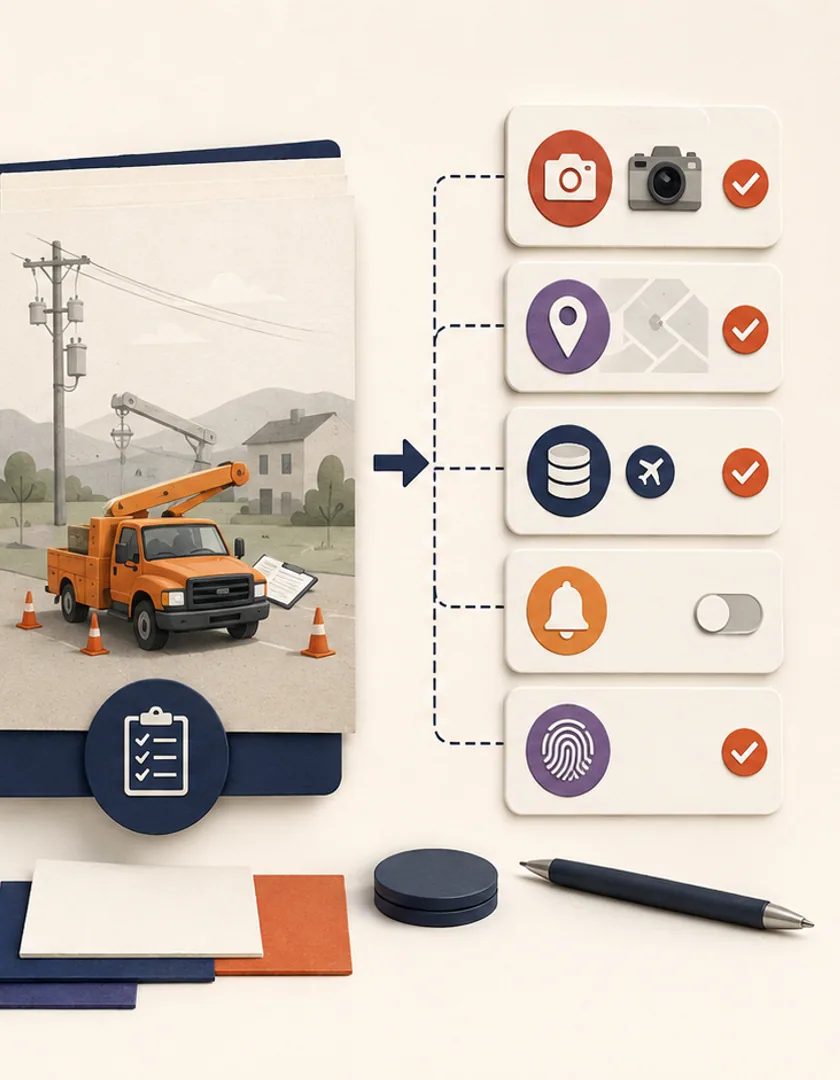
Record where the work happens, what the person carries, connectivity conditions, time pressure, and whether hands-free or one-handed use matters. A field inspection that captures photos and location differs from an account portal mainly used at a desk, even if both contain forms.
For each proposed native feature, state what evidence or action it supports. The camera may capture proof of completion. Location may confirm a service zone. Bluetooth may read a nearby device. Biometrics may simplify re-authentication but should not replace the application's own authorization rules.
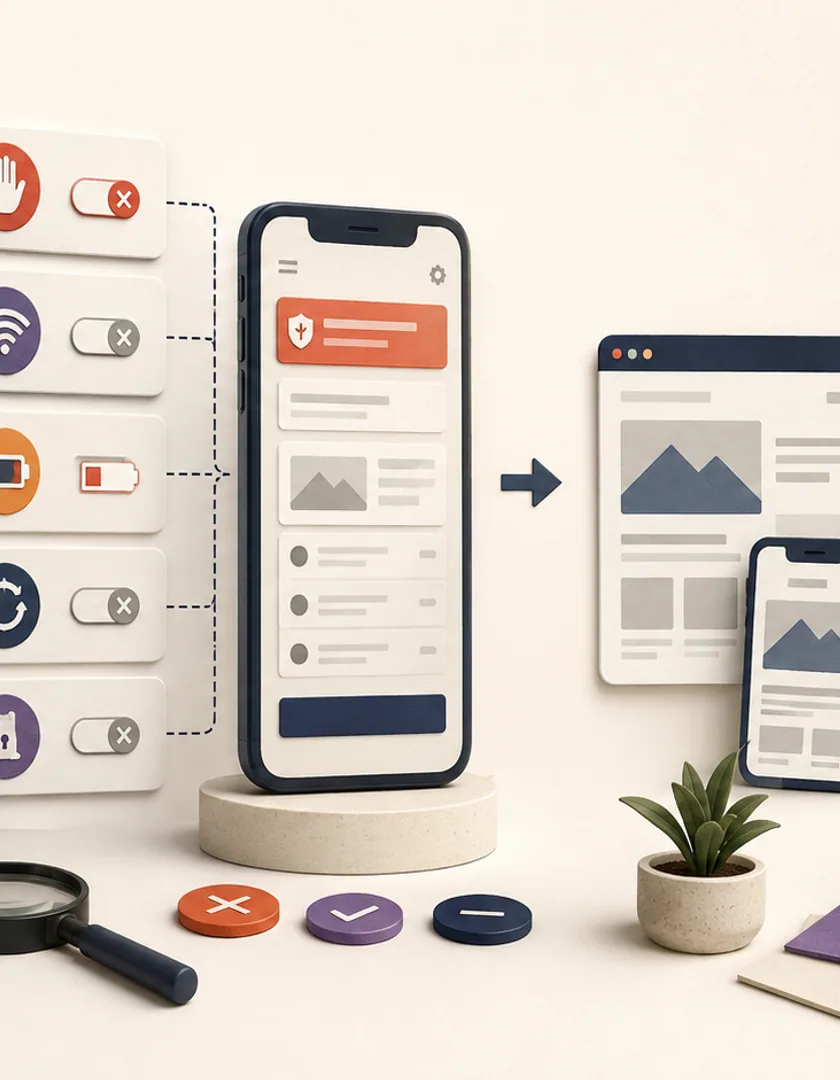
Background location, uploads, and notifications are constrained by the operating system and user settings. Offline work needs a local queue, conflict rules, visible sync state, and a way to retry safely. These behaviours are part of the application model, not an automatic benefit of choosing native technology.
If the workflow depends on scanning, background tracking, Bluetooth, or large media uploads, build a small technical test on representative devices before planning the full interface. Measure reliability, permission behaviour, battery impact, and failure recovery in the actual operating environment.
A field technician who photographs equipment in areas with poor connectivity has a different need from a customer who checks an appointment twice a year. The technician may benefit from controlled camera capture, offline storage, background upload, location evidence, and push reminders. The occasional customer may be better served by a responsive web experience with a saved home-screen link.
For each proposed native feature, record the user, physical context, frequency, business consequence, web alternative, permission required, and failure behaviour. Device access adds product and support responsibilities: permission denial, operating-system restrictions, battery use, store review, device testing, and release coordination.
| Need | Native capability | Web alternative | Decision evidence |
|---|---|---|---|
| Capture field evidence | Camera and controlled upload | File picker | Frequency, quality, offline conditions |
| Work without service | Offline data and sync | Cached read-only page | Tasks must continue during outages |
| Timely action | Push notification | Email or SMS | Urgency and opt-in behaviour |
| Location-specific work | Background or foreground location | Manual location entry | Accuracy, consent, battery impact |
A capability prototype should end with a clear decision: supported as tested, supported with constraints, or unsuitable for the intended workflow. Record the devices, operating-system versions, permissions, data volume, interruptions, battery impact, and synchronization limits observed so the platform choice rests on evidence rather than a single successful demonstration.
Plan the release around device support, accessibility, privacy disclosures, app-store accounts, analytics, crash reporting, and rollback. Test permission denied, permission later revoked, low storage, interrupted upload, expired session, and an operating-system update. The native feature is complete when the user has a clear fallback and support can diagnose failures—not only when it works on one development phone.
Visual guide
Start with the business task and physical conditions, then prove the uncertain capability before scaling the product scope.
Task
What must the person complete, how often, and where?
Constraint
Identify connectivity, hardware, timing, or notification requirements.
Alternative
Compare responsive web, installed web, and native options.
Prototype
Test the capability on representative devices and conditions.
Release decision
Choose the smallest platform scope supported by evidence.
Practical questions
Web push is available in some environments, but platform support, install behaviour, and reliability differ. Test the required devices and delivery expectations before deciding.
Yes. Many frameworks expose native APIs through supported modules. The decision still needs capability testing, permission handling, and a maintenance plan for platform changes.
Continue exploring
Work with Sun Cluster
Sun Cluster develops mobile applications around the device capabilities and operating conditions the workflow actually requires.