
Should alerts close automatically?
Technical conditions can auto-clear when the clearing rule is reliable. Business-impact alerts may still require confirmation or a resolution note before closure.
Web Apps & Software
Design dashboard alerts with explicit conditions, severity, acknowledgement, assignment, escalation, and resolution history.

How the workflow connects
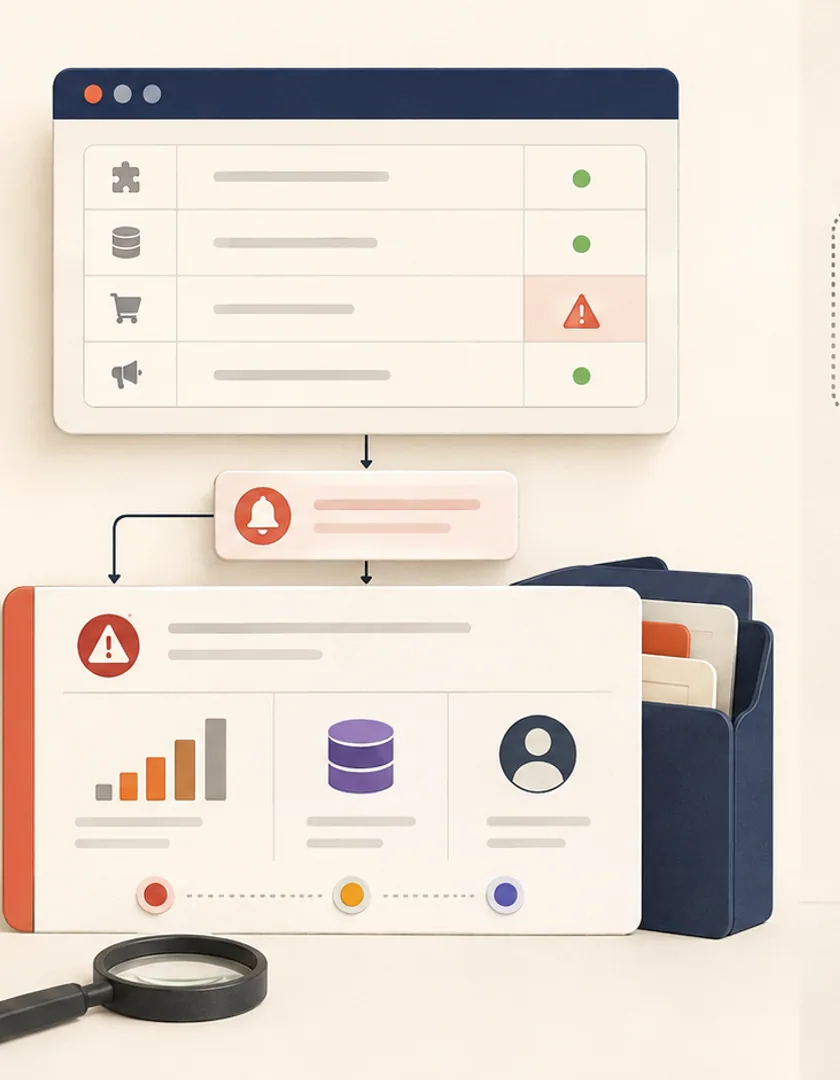
Dashboards often use red badges to signal trouble without defining who must respond or how the condition clears. Treating each alert as a workflow record creates an accountable path from detection through acknowledgement, investigation, and resolution.
State the source measurement or event, threshold, duration, grouping key, and condition that returns the alert to normal. A single late job may create a task, while repeated failures for the same integration may belong to one incident. These rules prevent noisy duplicate alerts.
Severity describes consequence, priority describes response order, and status describes progress. A high-severity issue may already be controlled, while a lower-severity issue affecting a time-sensitive customer can remain the next action. Keeping these fields separate makes sorting and escalation more honest.
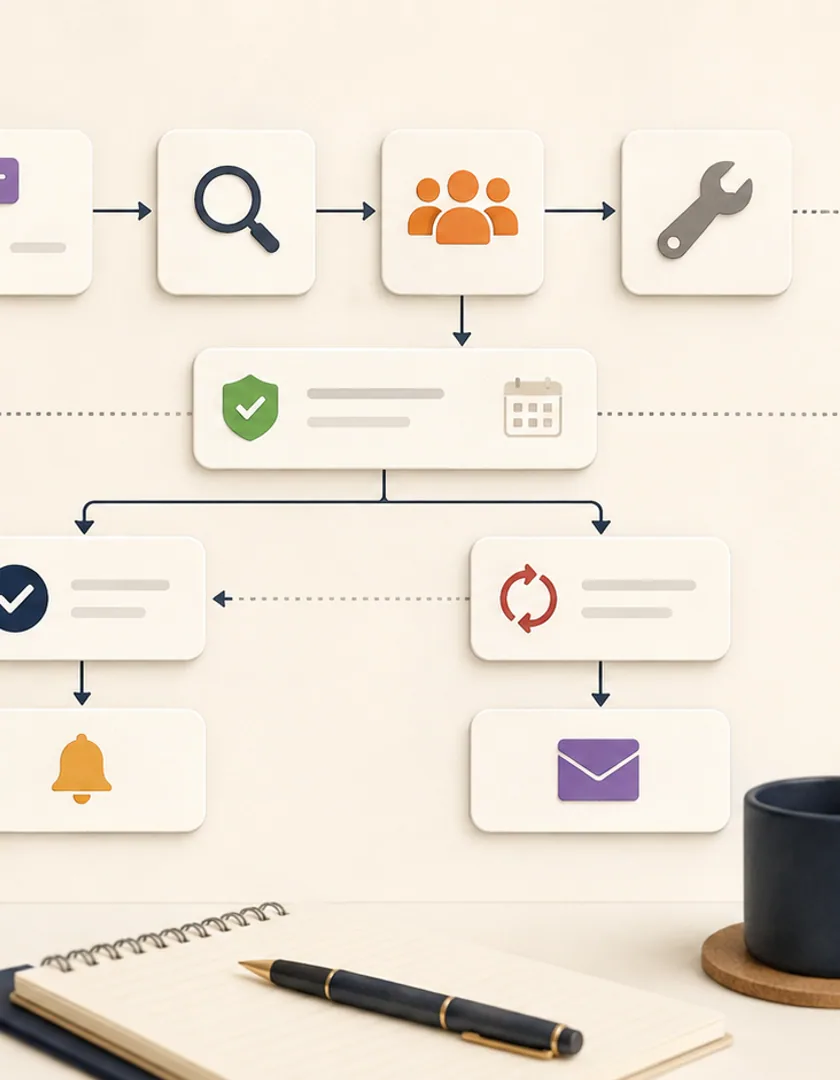
A useful lifecycle includes new, acknowledged, investigating, waiting, resolved, and reopened. Record the assigned person or team, acknowledgement time, next check, and notes. Reassignment should preserve history rather than replacing the original owner silently.
Notify the smallest group able to act, then escalate by time and severity. Avoid sending every state change to every manager. Dashboards should show muted, acknowledged, and waiting alerts so silence is not mistaken for resolution.
An integration has not processed a customer update within its normal window. The system creates one alert tied to the affected connection and records, assigns it to the integration queue, and marks its severity from business consequence rather than the number of failed attempts. Repeated checks update the same alert instead of sending a new message every minute.
An operator accepts ownership, reviews the last successful checkpoint and error, and chooses a safe retry. After processing resumes, reconciliation confirms that the affected records match. Only then does the alert move to resolved. The history retains detection, acknowledgement, actions, recovery evidence, and closure.
Visual guide
Status describes the alert's operating state while severity and priority answer separate questions.
Open
The condition is active and has not been accepted by an owner.
Acknowledged
A person or team has seen the alert and owns the response.
Investigating
Evidence and affected records are under review.
Mitigated
Immediate impact is controlled while full recovery remains pending.
Resolved
The clearing condition and recovery checks have passed.
Reopened
The condition returned or verification failed.
Choose channels from severity, operating hours, and expected response. A low-impact data-quality issue may enter a daily queue, while a production outage affecting active customer work may page the on-call owner. Escalation should change recipient or authority after a defined time; repeating the same notification is not escalation.
Review noisy alerts, unowned alerts, manual severity changes, time to acknowledgement, time to recovery, and reopened incidents. Remove alerts that do not lead to a decision, or convert them into informational dashboard signals. Preserve maintenance windows and suppression reasons so silence is deliberate and visible rather than accidental.
Practical questions
Technical conditions can auto-clear when the clearing rule is reliable. Business-impact alerts may still require confirmation or a resolution note before closure.
Acknowledgement means someone owns the response. Muting changes notification behaviour for a defined period or reason and should remain visible in the alert record.
Continue exploring
Work with Sun Cluster
Sun Cluster builds internal dashboards with clear operational states, alert ownership, drill-downs, and connected workflows.