
Should a portal replace all customer email?
Not necessarily. It should become the reliable record for the workflows it supports. Email can notify people and provide a convenient entry point while the portal retains status and history.
Web Apps & Software
Organize a customer portal around recurring status, file, billing, request, and communication needs rather than an arbitrary feature list.

How the workflow connects
Portal planning often begins with features such as dashboard, files, messages, and invoices. A clearer starting point is the questions customers repeatedly ask by email or phone. Those questions reveal the records, statuses, actions, and explanations the portal needs to provide.
Review emails, call notes, and staff interviews for repeated questions: Is my request received? What happens next? Which version is approved? When is payment due? Who is responsible? Record the context and frequency without copying private customer information into the planning document.
Group questions by the job the customer is trying to complete, not by the department that currently answers them. A project-status area may combine information from operations, billing, and document systems because customers experience one piece of work.
For each question, identify the system or person that owns the answer, how often it changes, and what should happen if the data is unavailable. A portal should not present an old internal note as current customer status merely because it is the easiest field to display.
A status page becomes more useful when it explains what the state means and what the customer may do. A file marked changes requested can link to the requested changes and an upload action. An invoice marked under review should not expose a payment action that cannot succeed.
Self-service does not eliminate support. Let customers create a request tied to the relevant project, order, invoice, or file. Preserve the question, owner, response, and status so both sides can follow the same conversation without restarting in email.
Review support messages and account conversations for questions such as Where is my request? Which file is still needed? Was my payment received? Who is handling this? and What happens next? Group them by the business record that can answer them, then note the source system, freshness requirement, permitted audience, and action that may follow.
A project-status question may need milestones from an internal system plus a contact action when the next date is uncertain. A missing-file question needs the request, acceptable format, deadline, upload action, and review result. Designing around the full job prevents a dashboard tile from answering only the first half of the customer's need.
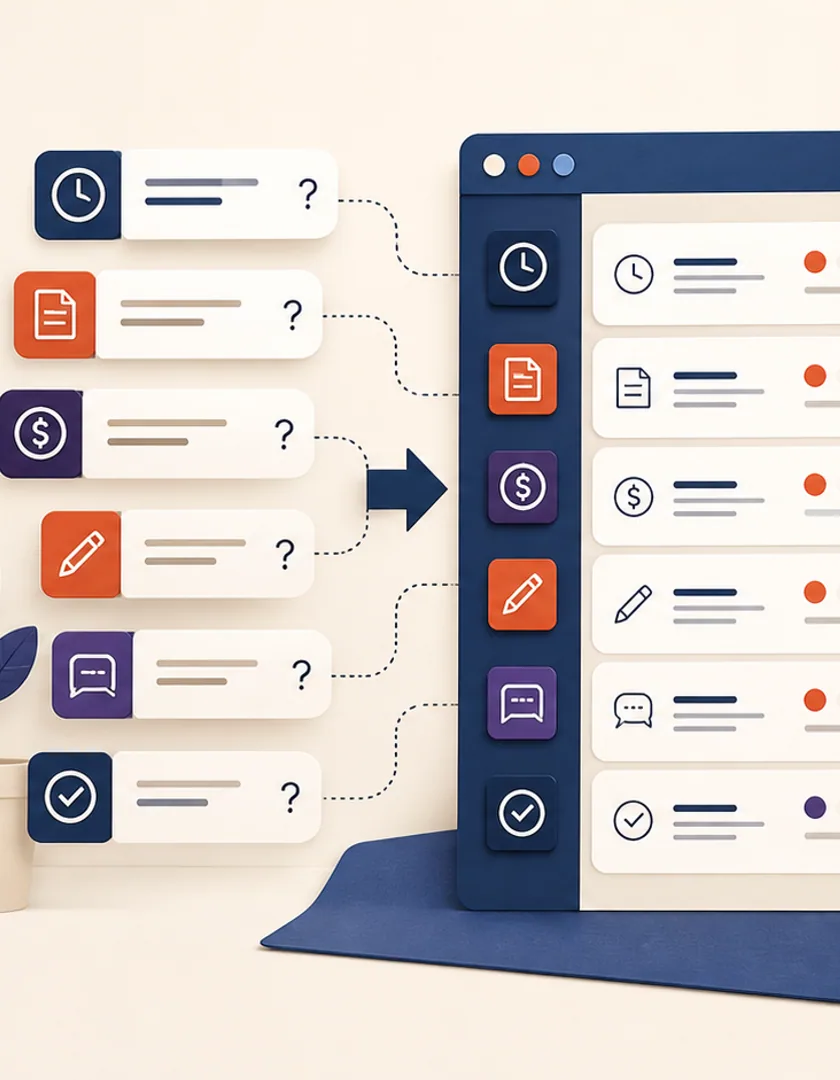
Visual guide
Each portal area should connect a real question to a trusted source and an appropriate next action.
Question
Use the customer's language and the moment when the question occurs.
Business record
Identify the project, request, file, invoice, booking, or message involved.
Authoritative source
Name the system and acceptable freshness of the answer.
Permission
Confirm which account members can see the information or act.
Explanation
Present status, date, owner, and context in plain language.
Next action
Upload, reply, pay, confirm, or contact support when appropriate.
A portal answer can be technically correct and still mislead if it is stale. Show when time-sensitive information was updated and avoid definitive wording when the source remains pending. If a project date has not been confirmed, present the current planning state and a contact path rather than an invented completion date.
Test customers with several accounts, shared account access, incomplete onboarding, reopened requests, and records that change while the page is open. Observe whether people can find the answer without knowing internal terminology. Track repeated support contacts by topic; they often reveal missing context, poor labels, or a portal action that does not actually complete the job.
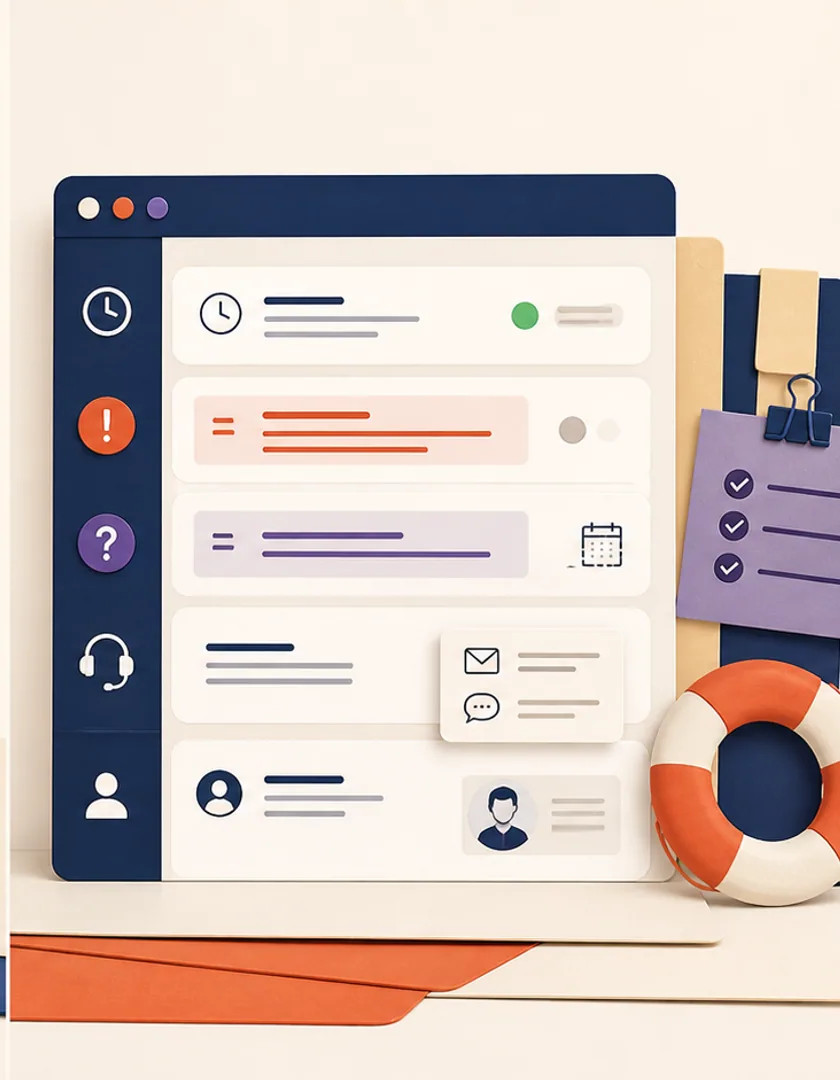
Practical questions
Not necessarily. It should become the reliable record for the workflows it supports. Email can notify people and provide a convenient entry point while the portal retains status and history.
Start with a contained group that shares records and ownership, such as project status, files, and requests. Cover that journey completely before adding unrelated account features.
Continue exploring
Work with Sun Cluster
Sun Cluster develops customer portals that connect account access, requests, documents, and status to real business workflows.