
Can files be emailed as attachments as well?
That depends on sensitivity and policy. For controlled documents, email can announce availability while authenticated portal access handles the actual download.
Web Apps & Software
Design a customer-portal document workflow with explicit request states, versions, permissions, review decisions, and useful notifications.
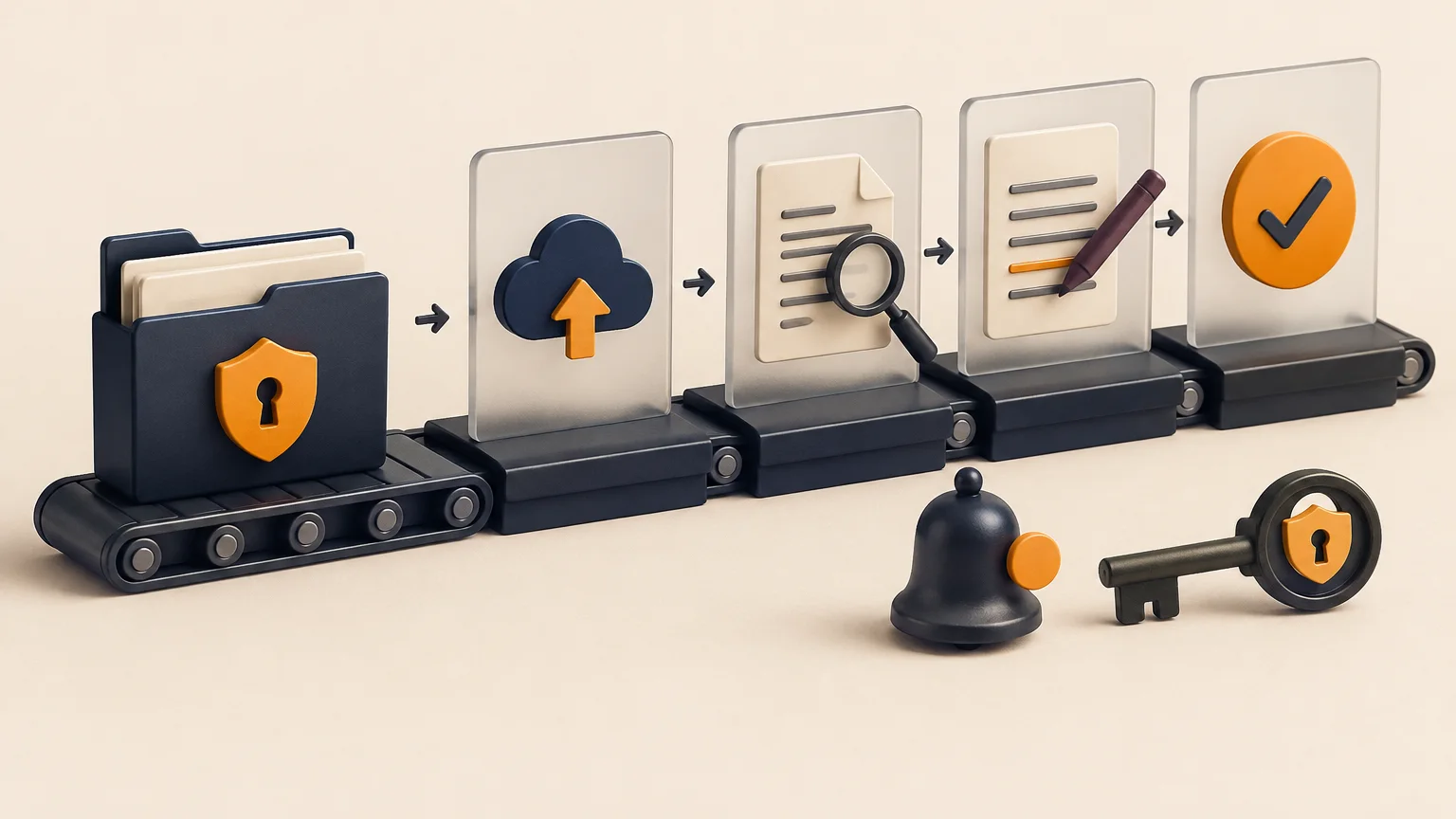
How the workflow connects
A portal file area becomes difficult to trust when it is only a shared folder behind a login. Customers and staff need to distinguish requested documents, received versions, review outcomes, replacements, and final deliverables. That requires a workflow model around the file itself.
A request states what is needed, who requested it, who must respond, the due date, and the current review state. A file is one submitted version that may or may not satisfy that request. Keeping both records prevents a filename from carrying the entire business meaning.
Useful request states include open, submitted, changes requested, accepted, waived, and expired. The precise list should match the business process and the actions available in each state.
Do not overwrite an earlier upload when a customer submits a correction. Store an immutable version identifier, uploader, time, original filename, scan result, and relationship to the request. Record the reviewer, decision, and notes separately so the history can be inspected later.
A hidden link is not access control. The server should verify the signed-in account, project membership, role, file classification, and request state before issuing upload or download access. Time-limited storage URLs can reduce exposure, but they still depend on a correct authorization decision.
Notify a customer when a request is created or needs changes, and notify staff when a required version arrives. Link to the exact record after authentication. Batch low-priority updates and retain an in-portal activity history so email is not the only evidence of what occurred.
A staff member requests proof of insurance from a customer account and sets an acceptable file type, due date, and reason. The customer sees the request, uploads a file, and receives confirmation that upload—not approval—has completed. A reviewer accepts the file, rejects it with a specific reason, or asks for a replacement while the earlier version remains in history.
The request record owns the status and deadline; the file record owns storage metadata, version, scan result, and access. This separation supports several files for one request, prevents a new upload from erasing the review history, and lets staff reopen the request without changing what was previously submitted.
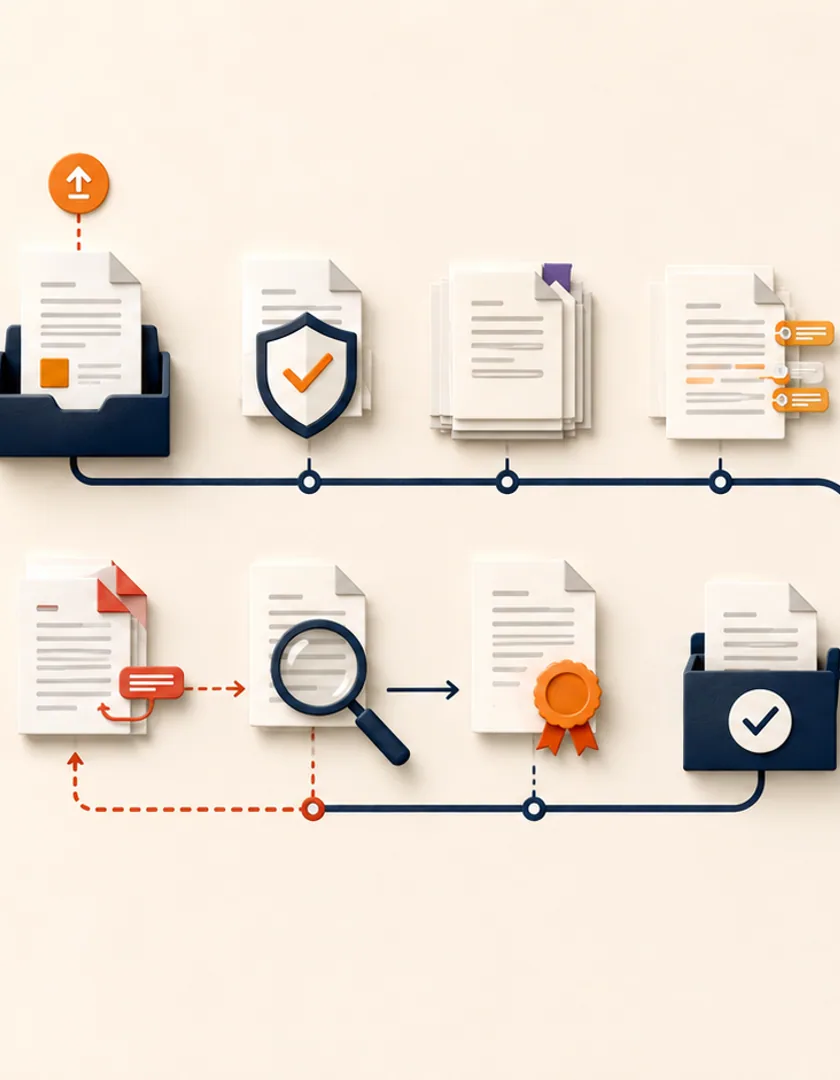
Visual guide
The customer-facing status should distinguish upload progress from staff review and final acceptance.
Requested
The requirement, reason, deadline, and allowed formats are visible.
Uploaded
A file version exists but has not yet been approved.
Scanning
Security or format checks are still pending.
In review
A staff member owns the decision.
Replacement needed
The reason and next customer action are explicit.
Accepted
The approved version and decision evidence are retained.
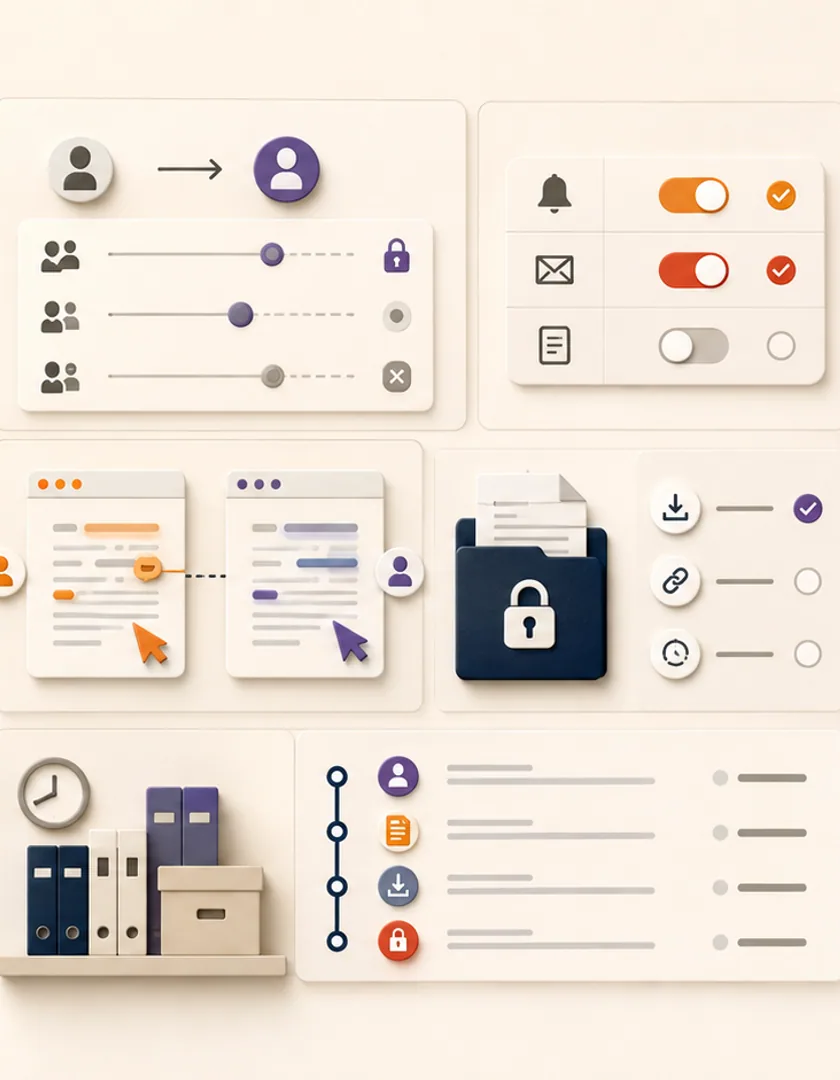
Check authorization when a file is listed, downloaded, previewed, replaced, or shared—not only when its page first loads. If an account member loses access, existing download links and cached permissions need an expiry strategy. Storage paths should not reveal other tenant identifiers, and uploaded files should be treated as untrusted until required checks finish.
Two reviewers may open the same submission while the customer uploads a replacement. Use record versions or decision locks so the later action cannot approve an outdated file silently. Notifications should name the request and action without exposing sensitive document content. A failed email does not reverse an accepted file; it creates communication work attached to the confirmed decision.
| Situation | Authoritative record | Safe response |
|---|---|---|
| Replacement uploaded during review | Request plus file versions | Warn reviewer and require current version |
| Account access removed | Membership and access policy | Recheck download authorization |
| Malware scan unavailable | File processing state | Quarantine and retry or review |
| Notification fails | Review decision | Retain decision and retry communication |
Practical questions
That depends on sensitivity and policy. For controlled documents, email can announce availability while authenticated portal access handles the actual download.
Usually the document label, version or update time, request status, and relevant review note. Internal storage paths, scan details, and staff-only notes should remain private.
Continue exploring
Work with Sun Cluster
Sun Cluster builds secure portal workflows for customer requests, documents, status, and communication.