Automation & Integrations

Prototyping a CRM Lead Follow-Up Workflow

Use a focused CRM prototype to clarify lead ownership, pipeline states, next actions, communication planning, and exception handling before development.

By Sunbot Labs

Updated

6 min read

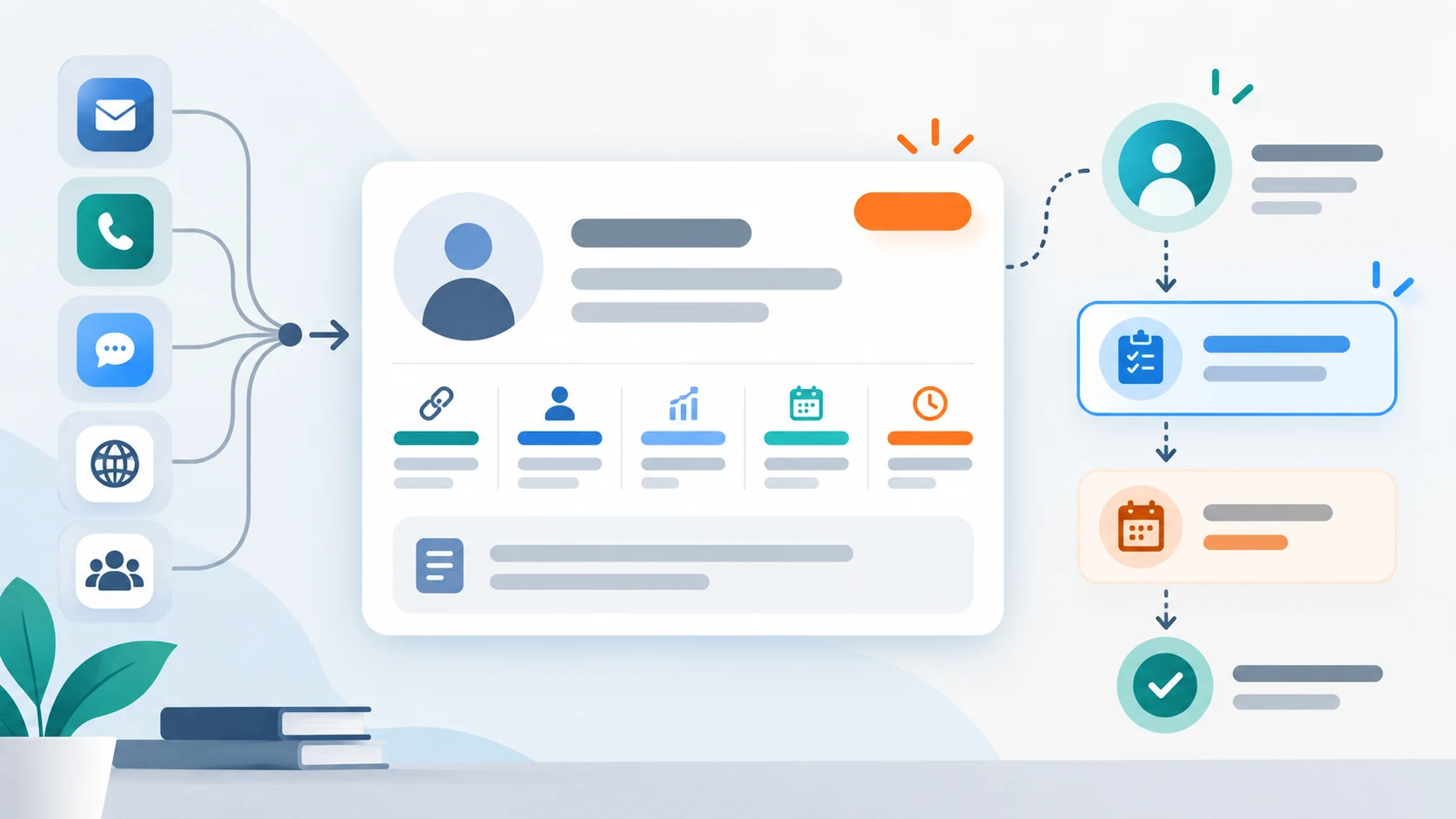
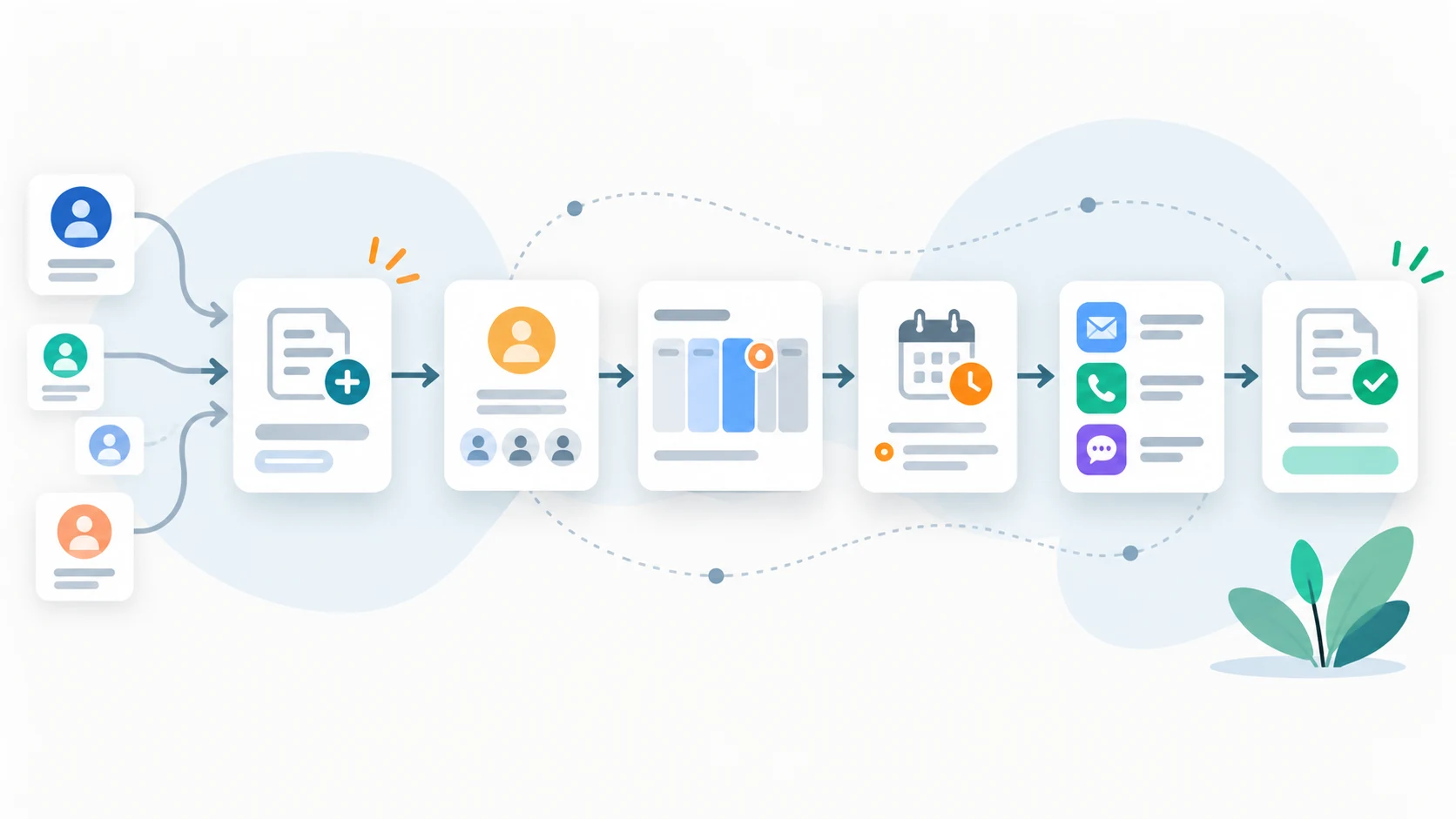
Illustration of a CRM lead moving from intake to ownership, pipeline, follow-up, and completion

A focused CRM prototype can clarify a lead-management workflow before a team commits to integrations and automation. The important decisions concern the lead record, ownership, pipeline transitions, follow-up queue, communication timing, and the exception cases that determine what staff do next.

Start with ownership and the next action

The central question is not how many cards fit on a dashboard. It is whether a team member can identify a new enquiry, its current owner, its stage, and the next follow-up without reconstructing the story from several tools.

A focused prototype makes that record model tangible while the team still has room to change terminology, ownership rules, and stage definitions. Production connections should be scoped only after the workflow itself is understood.

  • Where the enquiry appears to originate
  • Who is responsible for the next action
  • Which stage describes the current state
  • When the next follow-up is due
Illustration of a CRM lead record showing source, owner, stage, due timing, and next action

Show the workflow from overview to detail

A dashboard explains volume and exceptions. A pipeline explains stage. A lead-detail view explains context. A follow-up queue explains what must happen next. Together, these views tell a stronger story than a single all-purpose screen.

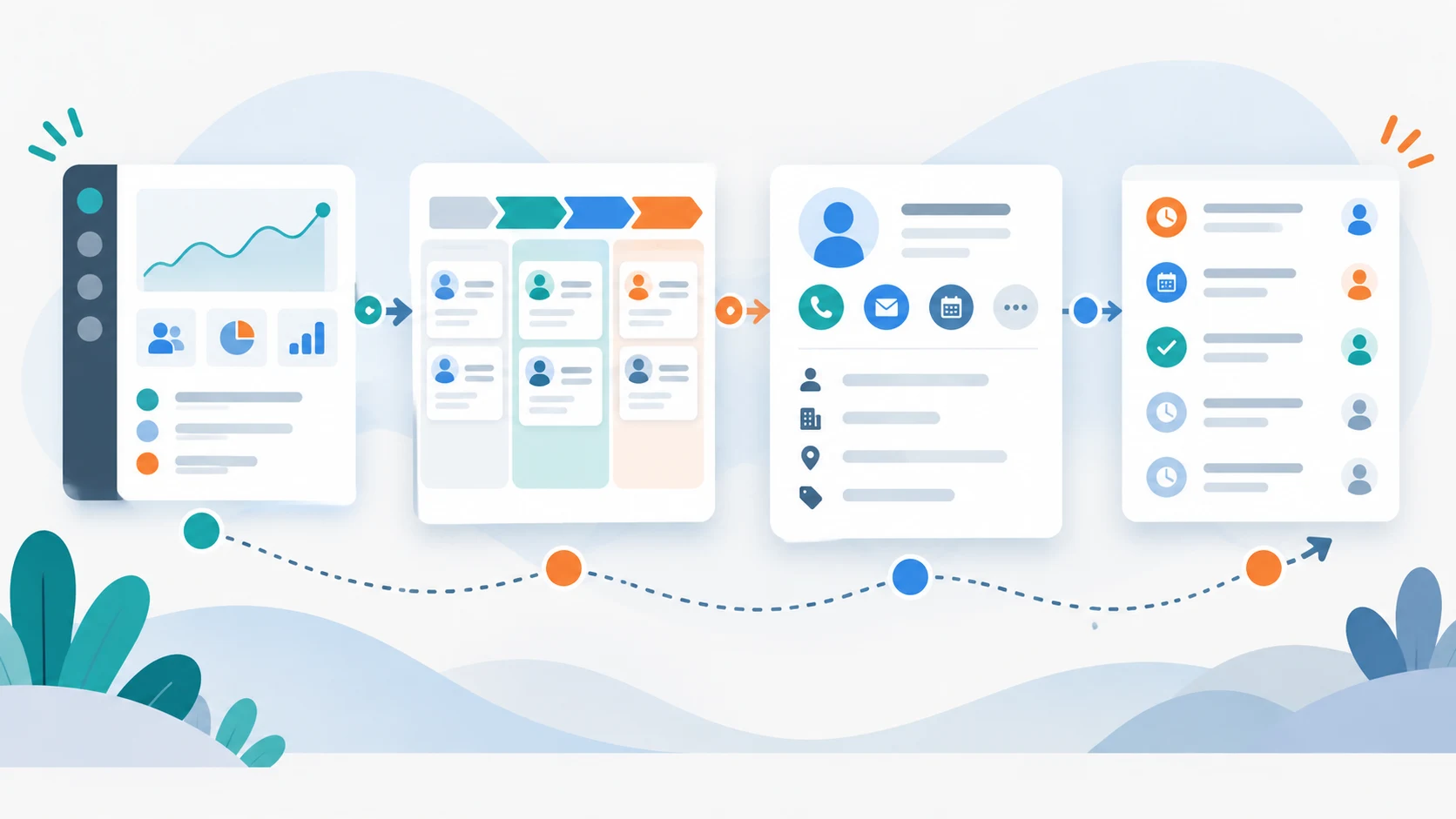
LeadLoop follows that sequence across the dashboard, pipeline, lead workspace, and follow-up queue. Each view answers a different operational question without repeating the entire record everywhere.

Illustration of CRM overview, pipeline, lead detail, and follow-up queue connected as one workflow

Review automation rules before connecting channels

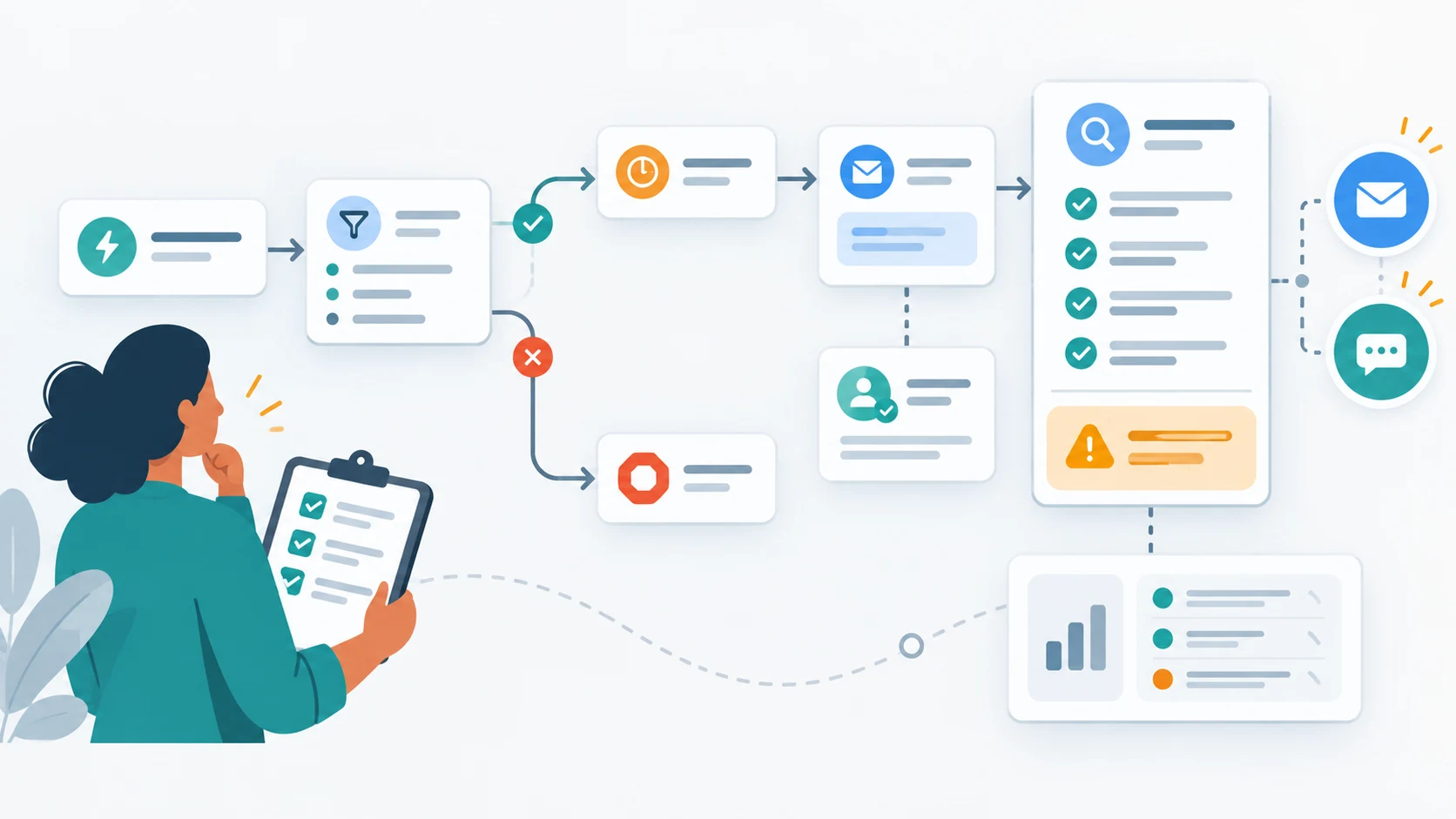
An automation rule can make its trigger, conditions, assignment, delay, and proposed communication visible before the team commits to a provider. Reviewers can then catch missing consent rules, owner conflicts, unrealistic timing, and unclear stop conditions while changes are inexpensive.

LeadLoop presents these communication steps as workflow previews. The showcase is not connected to production CRM, calendar, email, SMS, webhook, or AI services.

Illustration of CRM automation rules with trigger, conditions, assignment, delay, consent check, and stop condition

Plan the connected system

Once the team agrees on the record, states, screens, and responsibilities, the next decisions concern data ownership, authentication, permissions, integrations, delivery channels, audit needs, error handling, and deployment.

These are operating requirements, not visual details. The prototype clarifies how work should move; the connected system still needs the controls and services required to run it safely.

  • Identify the system that owns the customer and opportunity records
  • Define identity, roles, permissions, and reassignment authority
  • Choose communication providers and document consent requirements
  • Specify retries, audit history, monitoring, and data retention

Decisions to make before development

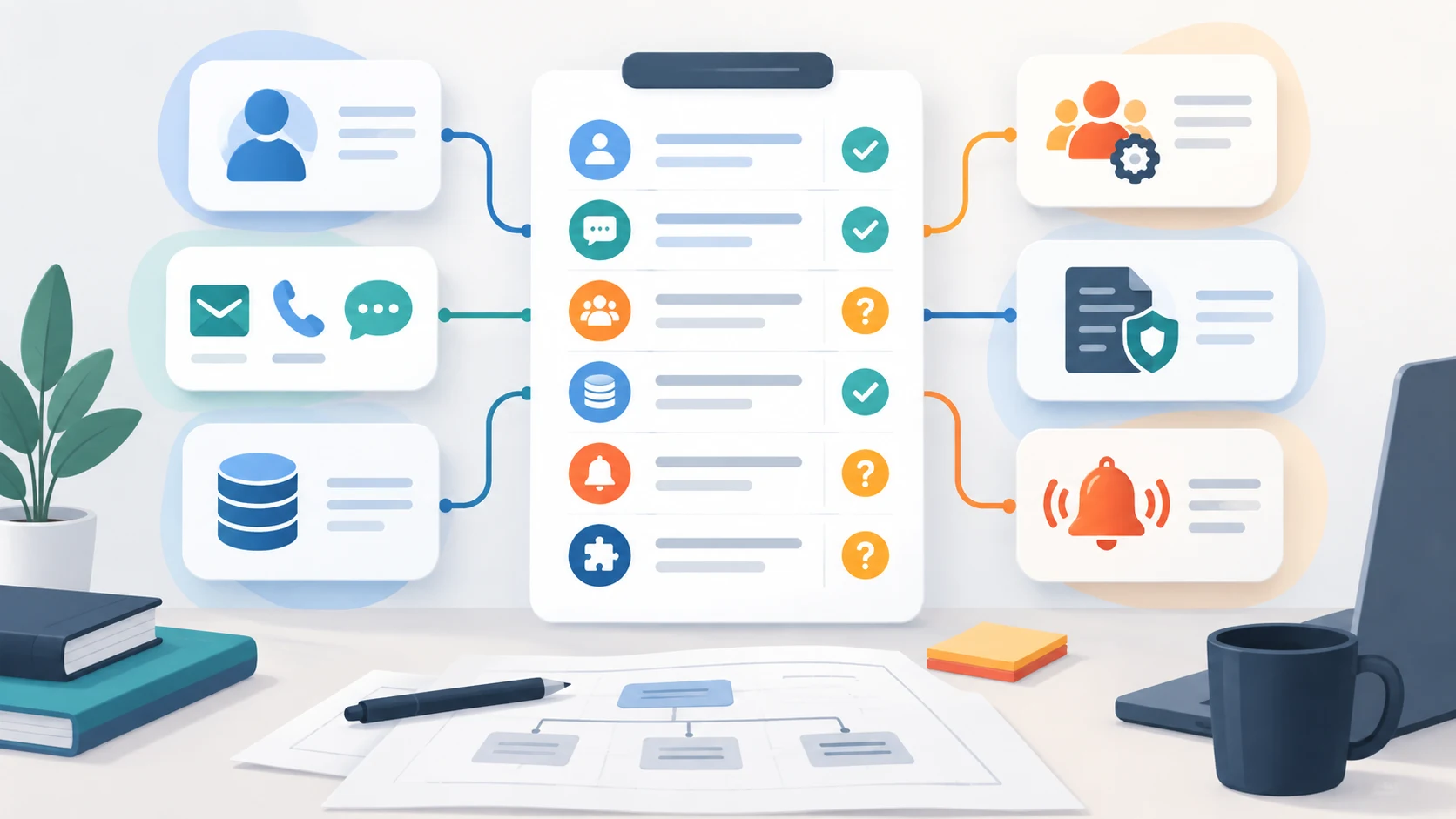
Once the interface has been reviewed, the useful next step is a short list of decisions that only the business can make. Answering them early prevents rework after development starts.

  • Which system owns the customer record
  • Which channels are in scope for the first release
  • Who may reassign ownership, and under which rules
  • What must be retained for audit, and for how long
  • How the team should be notified when follow-up is overdue
Illustration of CRM pre-development decisions for record ownership, channels, permissions, audit, and notifications

Run the prototype with representative lead scenarios

Use a new website enquiry, a returning contact, a duplicate, an unqualified request, an opportunity transferred between owners, a missed follow-up, and a prospect who asks not to be contacted. Ask staff to identify the current status, evidence, owner, and next permitted action without relying on unwritten conventions.

Record where users disagree about stage meaning, which information they search for, and which actions still require another tool. Those findings should change the workflow model before automated messages or CRM integrations are added. A prototype validates decisions and usability; it does not prove that external messaging, identity, or production data handling already exists.

Representative scenarios reveal whether the CRM workflow handles more than the ideal path.
ScenarioWorkflow question
Possible duplicateCan staff compare evidence before merge?
Owner unavailableIs reassignment visible and accountable?
Missed follow-upDoes overdue work enter an actionable queue?
Contact opt-outAre communication permissions enforced across sequences?
Opportunity reopenedDoes history remain intact while the next action changes?

Practical questions

Questions that often come up

What does the LeadLoop showcase include?

It presents the lead-management workflow and interface across dashboard, pipeline, lead records, follow-ups, and automation planning. Production data, authentication, messaging, calendar, and external CRM services are not connected.

What can a CRM workflow prototype validate?

It can validate ownership, stage definitions, follow-up timing, exception handling, and the sequence of screens staff need before integrations are selected.

How are communication steps represented?

They appear as previews of planned email or SMS steps. The interface should state clearly that no delivery occurred and should not imply acceptance by a production provider.

What follows workflow approval?

The team can define data ownership, authentication, permissions, integrations, audit history, error handling, deployment, and acceptance criteria for the connected system.

Work with Sun Cluster

Planning a similar system for your organization?

Sun Cluster connects lead intake, ownership, follow-up, notifications, and reporting into accountable workflows.