
Should every rare exception be automated?
No. Low-frequency judgement cases may be better served by a clear manual queue, evidence, and audit trail. Automate when the rule is stable and the recovery is safe.
Web Apps & Software
Model incomplete data, rejected work, overrides, reassignment, and recovery paths before polishing the normal workflow.

How the workflow connects
Business software can look complete while only supporting the ideal sequence. The operational burden appears when a record is incomplete, a source system disagrees, an approval is rejected, or responsibility changes. Exception-first design treats those paths as normal parts of the model.
Review returned applications, corrected invoices, reassigned jobs, duplicate customers, failed imports, and approval notes. Record the trigger, frequency, consequence, current resolution, and person with authority to decide. Technical errors and business exceptions may share a queue, but they need different resolution actions.
A generic error state forces operators to investigate from the beginning. Prefer states such as needs customer information, duplicate review, approval rejected, source mismatch, or manual verification. Each state should expose the evidence and permitted actions relevant to that decision.
Some rules need an authorized override. Record the actor, reason, prior value, new value, supporting note, and time. Require stronger permission for consequential changes and prevent an override from silently altering historical reports.
An exception is not handled when the application displays an alert. Test the full recovery: the operator receives the item, understands the cause, performs an allowed action, and returns the record to a valid state without duplicating downstream work. Include cancellation when no safe recovery exists.
Put several exception types into the same queue design: a document with a missing field, a possible duplicate customer, an approval beyond policy, and an unavailable integration. Each item should route to a different owner and action instead of sharing one generic error status. A temporary system failure may retry automatically, while an identity or policy decision needs a person.
For every queue item, show the triggering facts, current record version, owner, permitted actions, deadline, and the state to resume after resolution. This turns the exception model into work that operations can understand and complete.
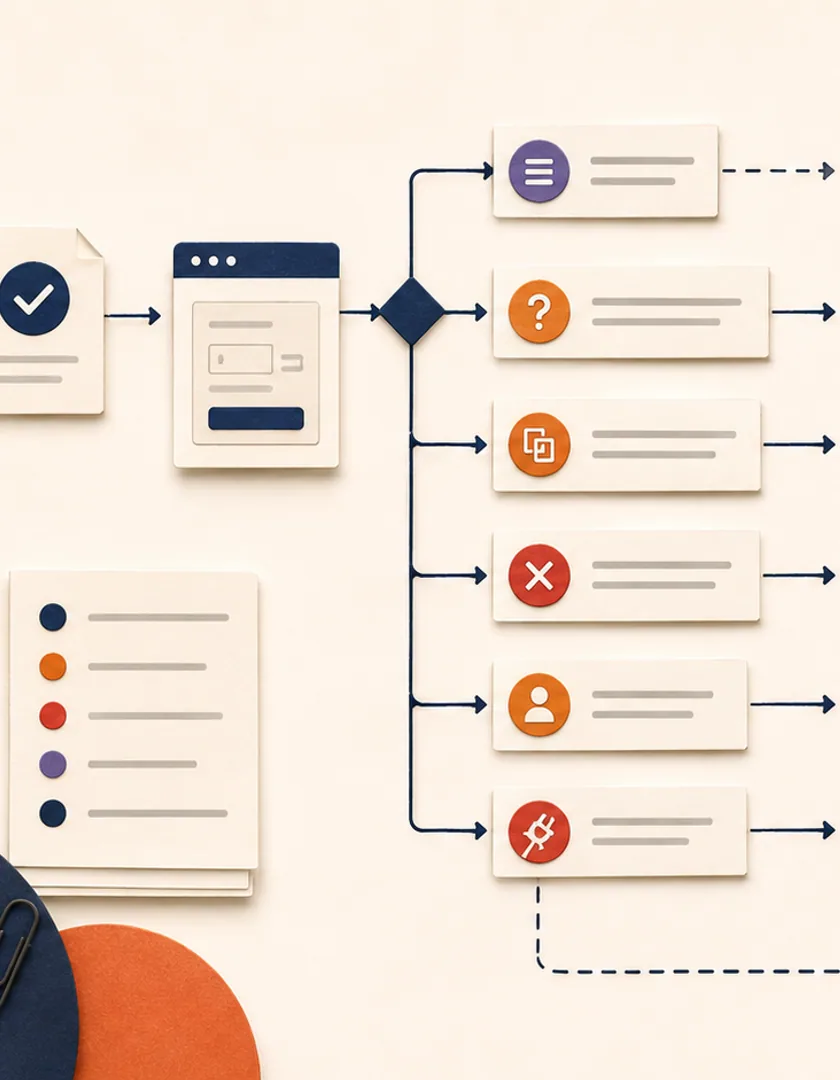
Visual guide
Useful exception states tell the team which decision is missing and how the normal workflow can continue.
Missing information
Return a specific request to the person who can supply it.
Possible duplicate
Route identity evidence to a reviewer before merge or creation.
Policy decision
Assign an authorized approver with the relevant threshold and context.
Temporary system failure
Retry safely and alert only when the recovery window is exceeded.
Data correction
Provide a controlled edit with validation and audit evidence.
Resolved
Return to a named state and confirm downstream effects.
Staff sometimes need to continue despite an unusual condition. An override should identify the blocked rule, permitted roles, reason, evidence, duration, and downstream consequence. It should never be a hidden database edit or an administrative button that bypasses every validation without explanation.
Test whether recovery creates duplicate tasks, messages, payments, or integrations. Replaying one step should not repeat already confirmed actions. Monitor exception volume by type, age, source, and resolution. A rising category may indicate poor input design, a changed policy, unreliable integration, or a normal case that no longer belongs in the exception path.

| Question | What to define |
|---|---|
| Who decides? | Authorized role, assignment, and escalation |
| What can change? | Permitted correction or override fields |
| What resumes? | Exact workflow state and pending actions |
| What must not repeat? | Confirmed side effects protected by idempotency |
| What is retained? | Reason, evidence, actor, time, and result |
Practical questions
No. Low-frequency judgement cases may be better served by a clear manual queue, evidence, and audit trail. Automate when the rule is stable and the recovery is safe.
Validation prevents known invalid input. An exception can involve valid but incomplete, conflicting, late, or unusual information that requires an operational decision.
Continue exploring
Work with Sun Cluster
Sun Cluster develops operational software with explicit exception, approval, audit, and recovery workflows.