
How many cases should be observed?
Enough to cover the main path and meaningful variants. For a focused workflow, five to ten carefully selected cases can reveal more than a large sample of identical work.
Web Apps & Software
Capture records, decisions, workarounds, handoffs, and exceptions from real operations before replacing a process with custom software.

How the workflow connects
Procedure documents describe how work is expected to happen. Software discovery also needs evidence of how it happens under time pressure, incomplete information, and unusual cases. Observation and record sampling reveal the rules that interviews alone often miss.
Follow a normal case, an urgent case, an incomplete submission, a reassignment, and a case that required management judgement. Remove personal or sensitive information from notes. The goal is to see the range of operational paths, not audit individual performance.
For each step, note the record being changed, information consulted, decision made, person responsible, and next handoff. A spreadsheet may calculate a value, but a person may still inspect an email attachment before accepting it. Both actions belong in the map.
A workaround can indicate duplicated effort, but it can also preserve flexibility the formal system lacks. Ask why it exists, how often it occurs, and what would fail if it disappeared. Replace it only when the proposed workflow supports the underlying need.
Examples include a private tracking sheet for urgent work, a manual email used to confirm ambiguous data, or a naming convention that helps staff locate records across systems.
Write requirements around observable behaviour: who creates a record, what data is required, which actions are permitted, what happens on missing information, and what history remains. Review the map and examples with operators before screen design or automation begins.
Choose one ordinary request and shadow it through the operation. Record the initial trigger, documents or messages received, each system opened, decisions made, wait periods, rework, and the evidence used to declare completion. Ask staff what they check that is not written in the official procedure; those checks often contain the real business rules.
Then review an incomplete, urgent, duplicate, and cancelled case. Compare the routes rather than averaging them into one ideal flow. A useful process record distinguishes observed behaviour, stated policy, local workaround, and proposed change so the software team does not accidentally encode a temporary habit as a permanent requirement.
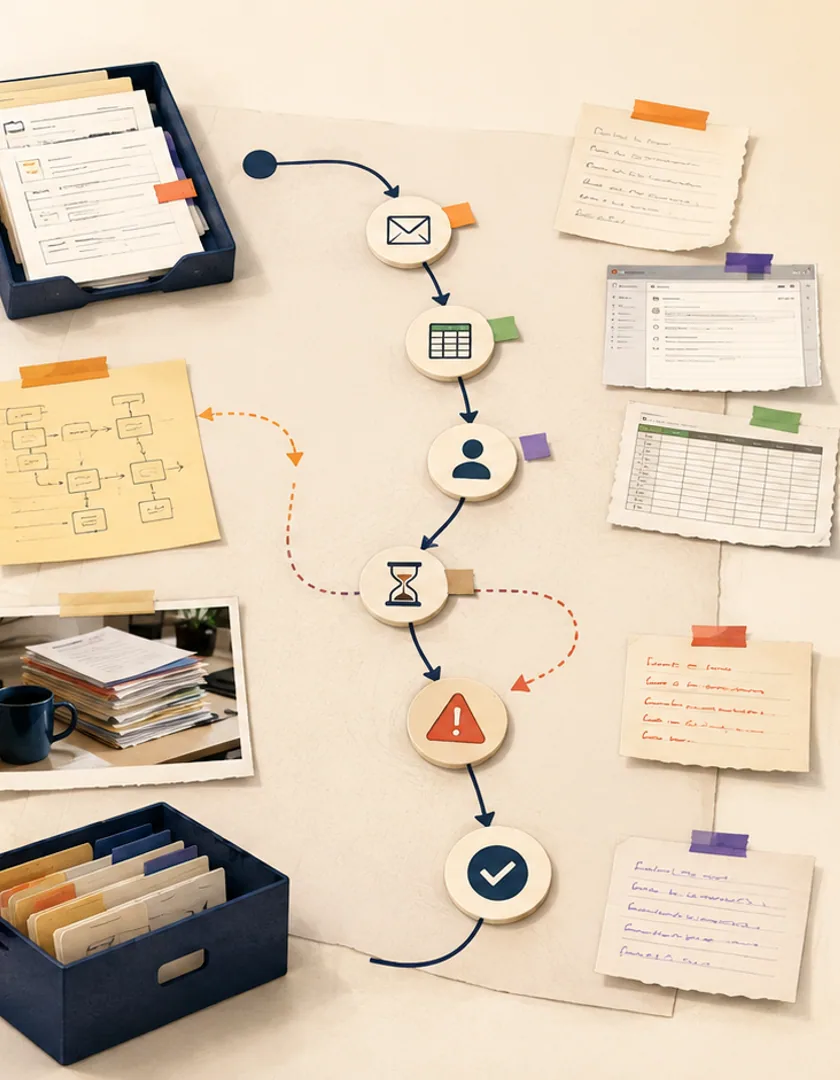
| Observation | Evidence to capture | Question to resolve |
|---|---|---|
| Request arrives | Channel, time, fields, attachments | What creates the authoritative record? |
| Staff checks eligibility | Sources opened and decision recorded | Which rule is policy versus judgement? |
| Work waits | Reason, owner, start and end time | Who notices an overdue item? |
| Case closes | Outcome, confirmation, retained documents | What proves completion? |
Translate the process into records, roles, states, transitions, required fields, integrations, notifications, reports, and acceptance examples. Mark uncertainty instead of filling it with assumptions. If two departments use different definitions of complete, resolve the business rule or preserve separate states until a policy decision is made.
Prioritize the smallest complete path that removes meaningful friction. It may begin with intake, assignment, and status visibility while leaving an unusual financial exception in the current system. Define how work crosses that temporary boundary and how the team will measure adoption, cycle time, rework, overdue items, and manual corrections after release.
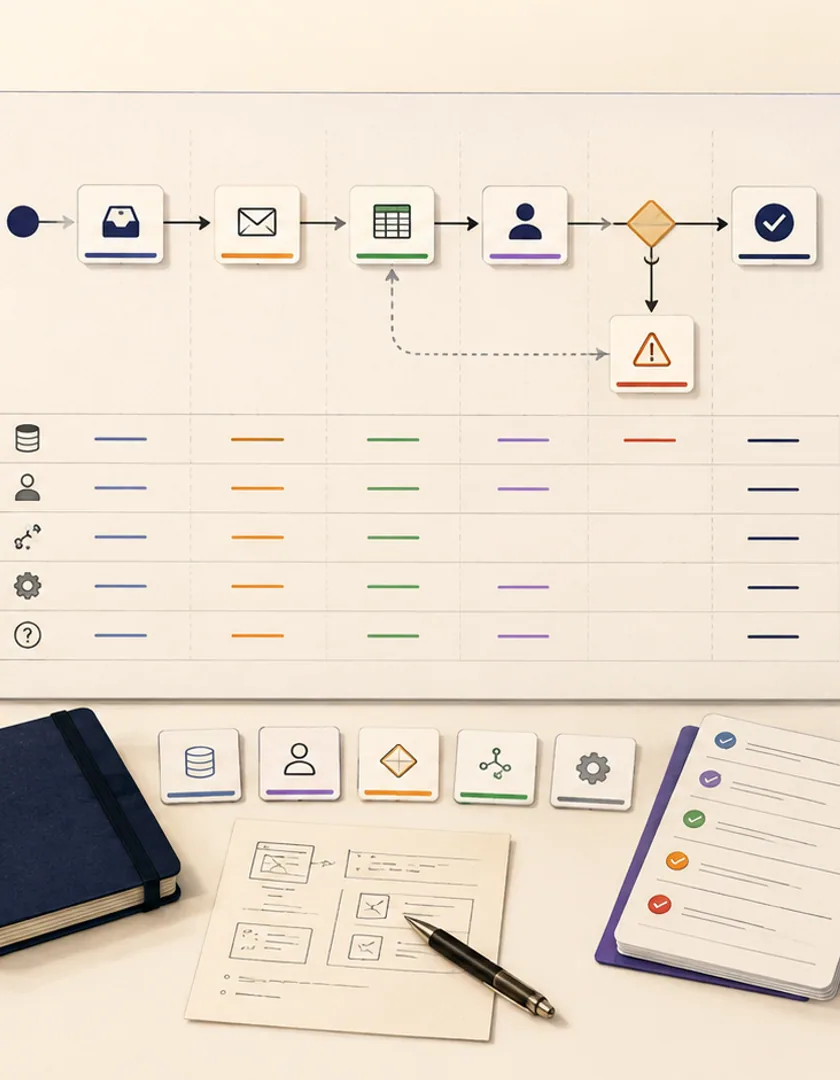
Visual guide
Each planning layer converts something staff actually do into a requirement that can be reviewed and tested.
Observed cases
Normal, incomplete, urgent, duplicate, and cancelled work.
Business records
The entities and evidence that must stay coherent.
Rules and judgement
Automatable decisions versus human authority.
States and handoffs
Ownership, waiting, escalation, and completion.
System boundaries
Existing tools, integrations, and temporary manual steps.
Acceptance cases
Examples that prove the first release supports the workflow.
Practical questions
Enough to cover the main path and meaningful variants. For a focused workflow, five to ten carefully selected cases can reveal more than a large sample of identical work.
No. The map explains purpose and constraints. Steps that only compensate for tool limitations can be removed, while necessary controls and judgement paths should remain.
Continue exploring
Work with Sun Cluster
Sun Cluster maps operational processes and builds business software around the records, decisions, and controls teams rely on.