
How detailed should the initial workflow map be?
Detailed enough to identify records, users, states, important rules, integrations, and exceptions. Field-level specifications can follow once the operating model is agreed.
Web Apps & Software
Turn a manual process into an implementation-ready workflow map before deciding which web application screens or features to build.

How the workflow connects
Teams often describe a proposed web app as a collection of screens: dashboard, form, report, and admin area. Mapping the work first produces a clearer scope. A simple request workflow shows how people, records, statuses, rules, and interfaces connect before screen design begins.
Choose the central business record: a request, application, case, order, job, or approval. List the information it gains over time and the evidence needed to move it forward. A shared record prevents each screen from inventing a different version of the same work.
For a service request, the record might begin with requester details and a description, then gain an assigned owner, assessment, scheduled work, completion notes, and approval history.
Replace vague statuses with explicit transitions. Instead of saying a request becomes approved, record who may approve it, what must already be present, which time is captured, and what happens next. This turns labels into rules that can be implemented and tested.
A handoff occurs when another person or system must act. Record the recipient, information passed, expected response, and escalation path. Long waiting periods often indicate the most valuable reminders, queues, or integrations in the first release.
Do not automate a handoff that still has unclear ownership. Software can send a notification, but it cannot decide which team is responsible unless the business rule exists.
Once actions are clear, group them into interfaces: an intake form, an assigned-work queue, a record detail view, an approval view, and a small configuration area. Each screen now has a user, purpose, and set of permitted actions. Features that do not support the mapped workflow can move out of the first release.
Consider an operations team that receives requests by email, copies details into a spreadsheet, asks a manager for approval, schedules the work, and sends status updates manually. The record moving through the process is the service request—not the email, spreadsheet row, or eventual calendar event. Give it an identifier and list the information required at each decision.
The first map might use received, needs information, ready for review, approved, scheduled, in progress, completed, and cancelled. Each transition names the actor, required fields, evidence created, notification, and exception path. Only then should the team derive an intake form, review queue, request detail, schedule view, and customer status page.

Visual guide
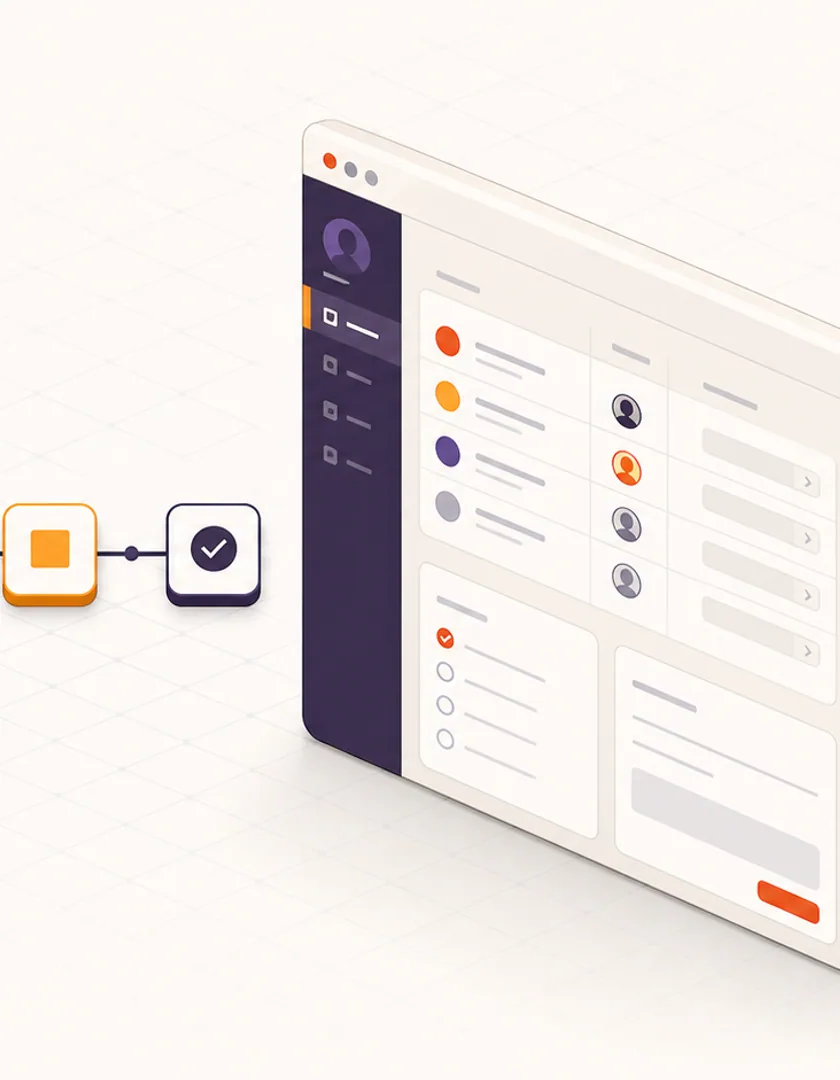
Screens follow the work: first define the record and transitions, then identify the interface each actor needs.
Service request
Name the record and the information that must remain together.
States
Describe meaningful stages, including waiting and cancelled work.
Transitions
Name the actor, action, rules, and evidence for each change.
Handoffs
Show ownership, response targets, and exception routing.
Screens
Derive forms, queues, details, and status views from required actions.
Run real examples through the map before treating it as a specification. Include a request with missing information, a duplicate submission, a rejected approval, an unavailable staff member, a customer cancellation after scheduling, and a task completed outside the system. Ask where the record waits, who notices, and how the normal path resumes.
The map is implementation-ready when another person can determine the expected state and next action without interpreting unwritten policy. It does not need every future report or preference. It does need the first complete workflow, permission boundaries, source systems, notification responsibilities, failure behaviour, and acceptance scenarios.
| Scenario | Expected state | Owner | Evidence |
|---|---|---|---|
| Required detail missing | Needs information | Intake team or requester | Missing-field reason |
| Approval rejected | Revision required or closed | Requester | Decision and comments |
| Assignee unavailable | Reassignment pending | Operations manager | Assignment history |
| Customer cancels | Cancelled | Service team | Cancellation source and time |
Practical questions
Detailed enough to identify records, users, states, important rules, integrations, and exceptions. Field-level specifications can follow once the operating model is agreed.
Document the variants and the reason for each. Some reflect valid exceptions; others are workarounds. The future workflow should make that choice explicit rather than hiding it.
Continue exploring
Work with Sun Cluster
Sun Cluster designs custom web applications around real users, business records, workflows, and system boundaries.