
Can a deployed connector remain unavailable to users?
Yes. Deployment only places code in an environment. Account authorization, capability verification, operating checks, and explicit enablement should remain separate gates.
Trading Systems
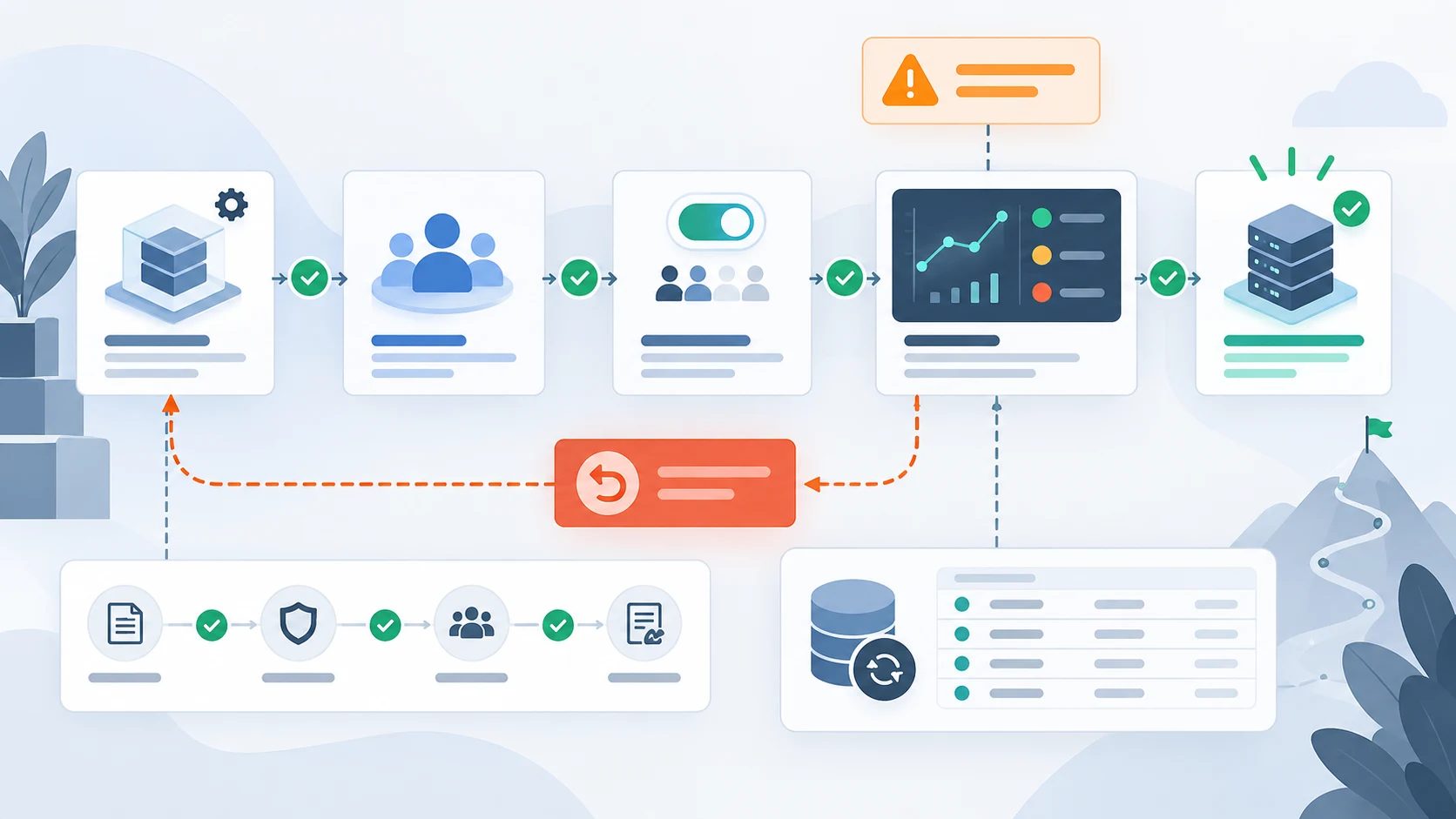
Stage a new broker connector through capability checks, account-specific verification, explicit enablement, monitoring, rollback, and reconciliation.
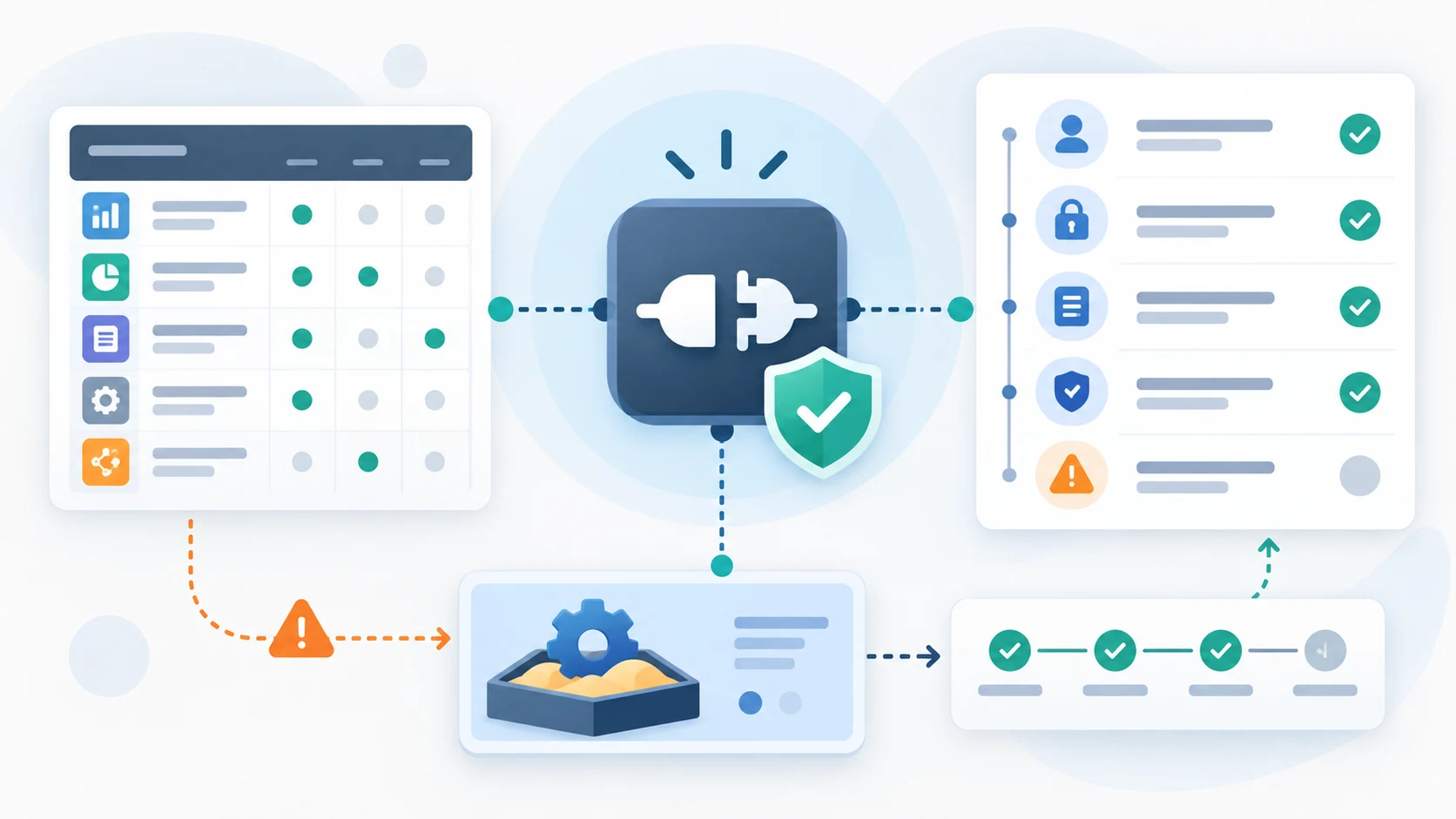
Adding a connector to an existing trading system creates several distinct milestones: code deployed, account authorized, capabilities verified, operating checks accepted, and submission enabled. Making those states explicit prevents a planned or partially tested connection from being mistaken for one that is ready to use.
A connector can be present in a deployment without being ready for an account to use. Track whether its code is deployed, credentials are authorized, permissions are confirmed, expected capabilities are verified, operating checks pass, and a named owner has enabled it.
Keeping those states separate prevents a successful health check or visible menu item from being mistaken for permission to submit requests. The operating interface should show the effective state for the current environment and account.
Broker support is rarely one yes-or-no flag. Record the capabilities verified for each environment and account, including data access, order types, time-in-force values, cancellation, status updates, and any market or permission restrictions.
Move from contract fixtures to a broker-provided test environment where available, then to client-controlled verification with a restricted account or operating mode. Each stage should have acceptance evidence and a reversible enablement decision.
Gate submission separately from read-only connectivity. This lets monitoring and reconciliation be verified before the system is permitted to create a new broker request.
A product can show an upcoming connector without presenting it as selectable. Use explicit availability states and explain whether the limitation applies to every account, one environment, or a specific capability.
A rollback must define what happens to new submissions, open orders, pending cancellations, stream processing, scheduled account checks, and operator access. Disabling the connector should block unsafe actions without removing the evidence needed to understand venue state.
Reconcile local records with broker-reported orders and positions before resuming. Record the reason, decision owner, affected account, configuration version, and acceptance evidence for each enable or disable event.
Store rollout state per connector, environment, and account instead of relying on a global enabled flag. A state change should reference the capability matrix, configuration version, verifier, time, known limitations, and recovery owner. Credentials remain in the approved secret store and do not belong in the rollout record itself.
Treat a failed acceptance scenario as evidence that one capability remains unavailable, not a reason to edit the expected result or enable the whole connector. A restricted rollout can allow verified read operations while order submission remains blocked.
| Rollout state | Permitted behaviour | Evidence to advance |
|---|---|---|
| Planned | No connection or submission | Approved design and access path |
| Connected | Health and authorized reads only | Identity and permissions verified |
| Verifying | Named test scenarios | Capability-specific acceptance results |
| Available | Explicitly enabled capabilities | Operating owner and recovery checks |
| Disabled | Block new submissions; retain evidence | Reconciliation and reviewed recovery |
Practical questions
Yes. Deployment only places code in an environment. Account authorization, capability verification, operating checks, and explicit enablement should remain separate gates.
It can be visible as planned, but it should not look selectable or available. The same area should explain the current state and any environment or account boundary.
Block new submissions, preserve monitoring and audit evidence where safe, identify uncertain orders, reconcile broker state, and require a reviewed recovery decision before re-enablement.
Continue exploring
Work with Sun Cluster
Sun Cluster develops broker connectors with secure access, order-state handling, logging, and reconciliation.