
How many metrics should a workflow dashboard show?
Only the ones that change a decision. A dashboard with fewer numbers and a clear exception queue is usually more useful than a dense analytics page.
Trading Systems
Organize team monitoring, alert ownership, shift handoff, configuration review, and incident evidence around a shared trading operations dashboard.

A shared trading dashboard must support the team around the system as well as the system itself: startup readiness, alert ownership, shift handoffs, unresolved work, and the evidence needed during incident review. Those operating routines determine whether the dashboard remains useful when information is incomplete or conditions change quickly.
A good dashboard helps teams see when the workflow is blocked, paused, or waiting on action. That is more valuable than decorative analytics.
The test is simple. If everything is fine, the screen should be calm. If something needs attention, it should be the first thing a reader notices.
A dashboard should reflect the systems, records, and actions it can actually observe. Broader operations may require connected portals, business systems, or additional team workflows.
When the screen implies coverage that the underlying system does not have, staff cannot tell which information is complete. Keep every status and action tied to a reliable source.
Most teams end up with the same three layers, even when the domain is different. Naming them early prevents a single screen from trying to do all three jobs badly.
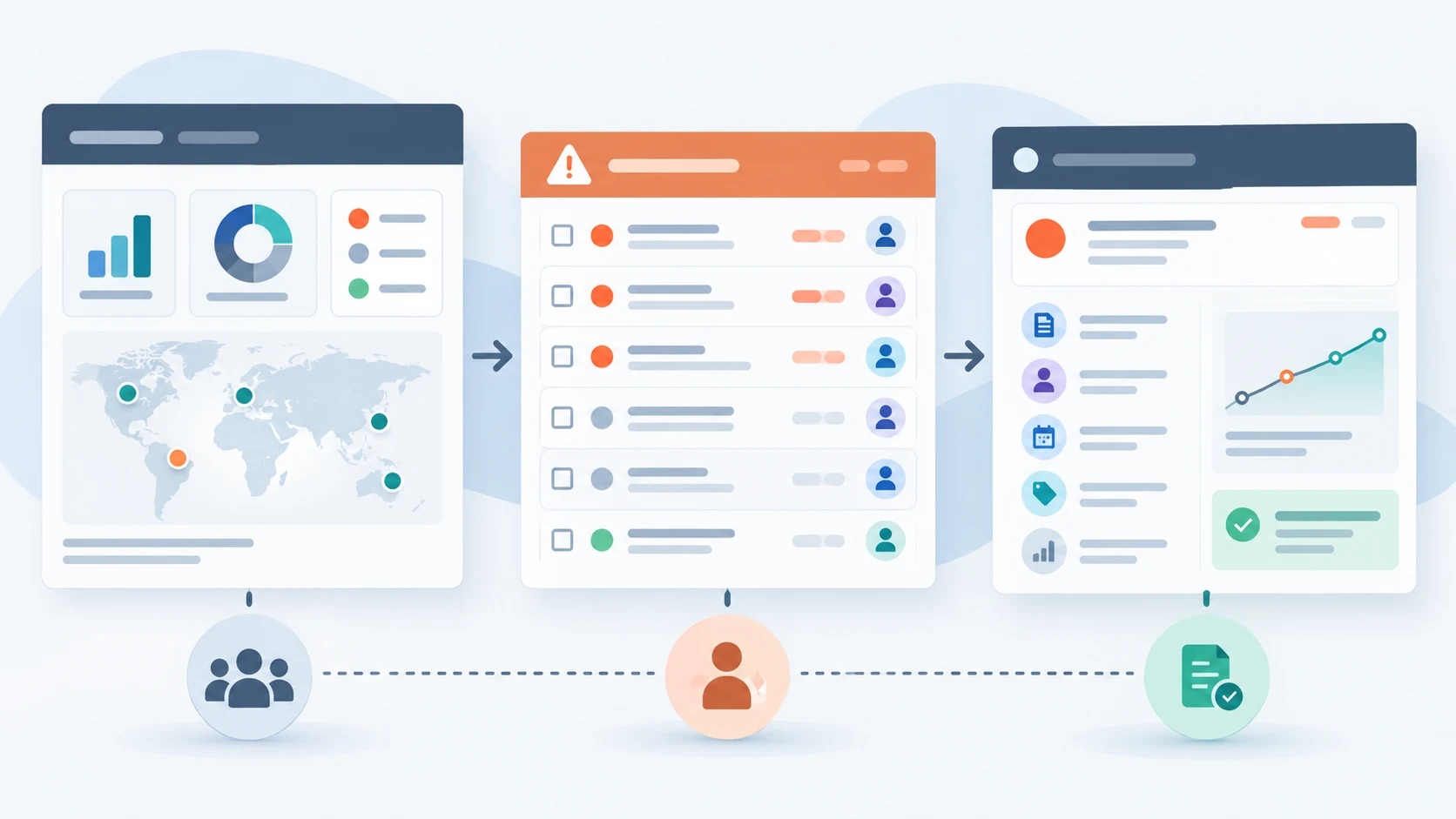
The useful view depends on the workflow, but certain patterns appear repeatedly.
It is worth reviewing an existing dashboard against a few honest questions before adding anything new to it.
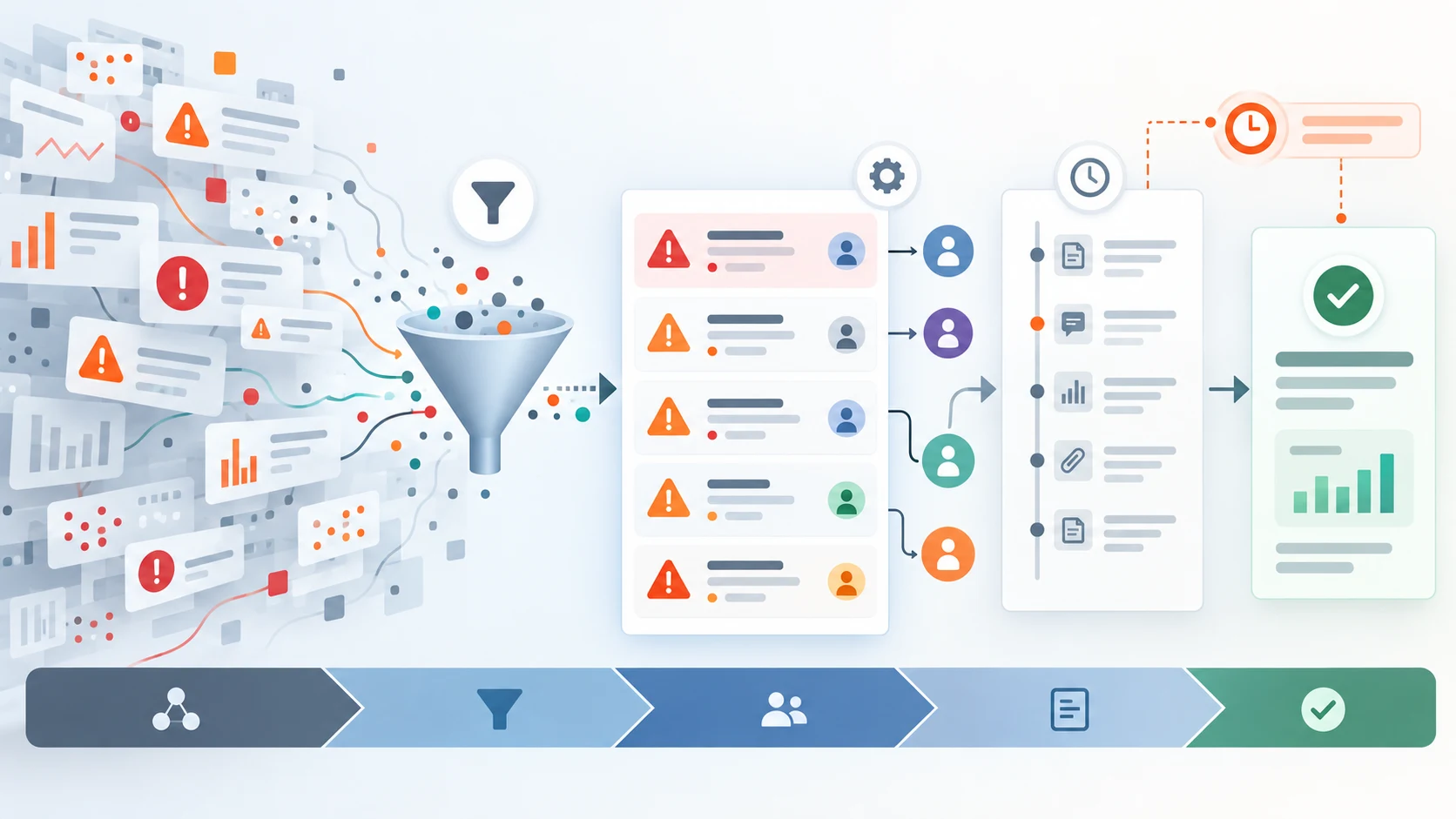
A startup review can confirm deployment and configuration version, intended mode, connection health, data freshness, unresolved reconciliation items, and alert coverage before enablement. An incident routine assigns ownership, records protective action, links affected orders or components, and separates immediate mitigation from full recovery.
At handoff, the outgoing operator should not summarize everything in chat. The dashboard or incident system should retain open alerts, unknown order states, paused strategies, temporary overrides, expected follow-up, and the accepting owner. Review these routines in controlled scenarios so the team can use them when normal information is incomplete.
Practical questions
Only the ones that change a decision. A dashboard with fewer numbers and a clear exception queue is usually more useful than a dense analytics page.
It depends on the operating workflow. Core status belongs close to the product, while multi-team approvals, deeper integrations, and organization-specific views may require a tailored dashboard.
If operators are ever expected to review status away from a desk, yes. Status checks on a phone are a common real-world pattern.
Continue exploring
Work with Sun Cluster
Sun Cluster builds client-defined trading automation with operational dashboards, broker connections, and private deployment.