
Should every service use the same enquiry form?
A shared core form can work, but service-specific questions are useful when they change routing or preparation. Keep the first step short and request deeper details later when necessary.
Websites & Commerce
Map service pages, proof, estimate questions, and follow-up into a website journey that produces clearer enquiries without making the form burdensome.

How the workflow connects
A service website is often treated as a set of pages followed by a contact form. A more useful approach treats it as a qualification workflow: visitors identify the relevant service, see evidence that matches their situation, provide the minimum useful details, and receive a clear next step—without facing a long questionnaire.
A visitor normally needs to confirm three things before making contact: the company handles the right kind of work, the approach appears credible, and the next step is reasonable. A service page can answer those questions with a specific scope, relevant examples, operating details, and a direct path to enquire.
Do not ask the contact form to repair vague service content. When every page ends with the same generic invitation, the business receives enquiries with little context and the visitor has to repeat information the site could have helped organize.
Good form questions affect routing or preparation. A renovation estimate may need property type and location. A software enquiry may need the current workflow, users, and systems involved. A field that changes nothing for the visitor or the team is probably unnecessary at the first step.
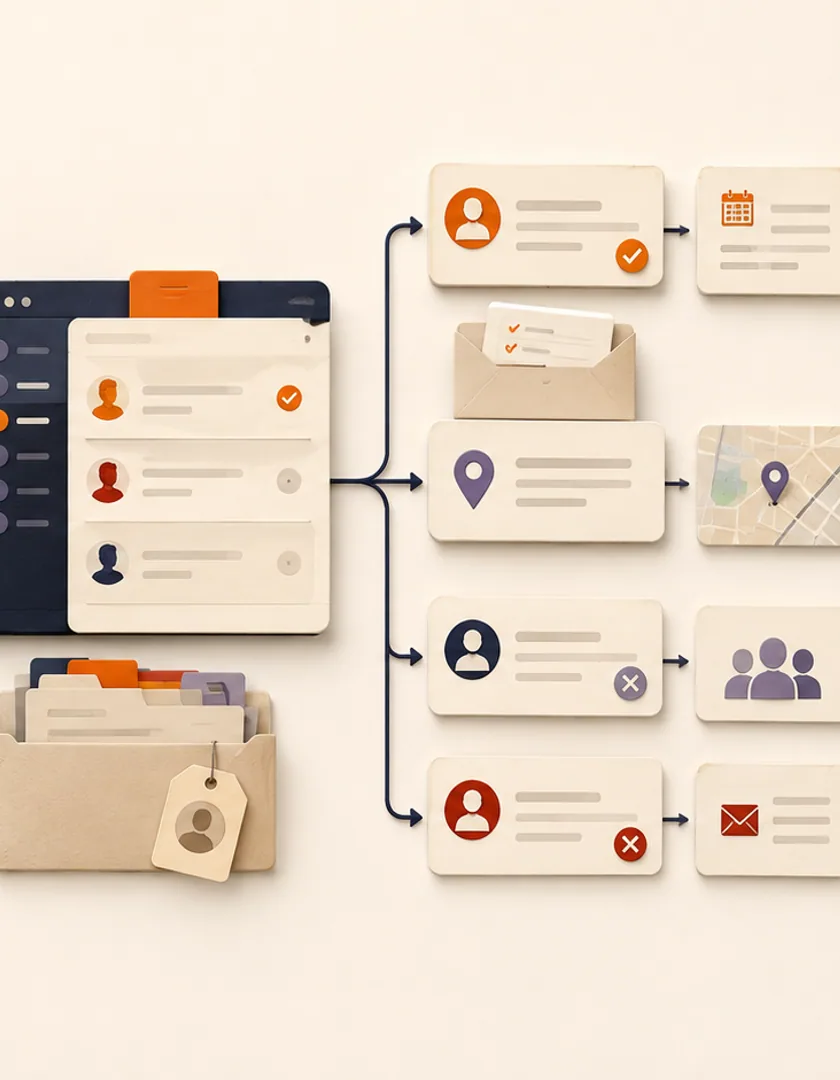
A submission is only useful when it reaches an owner with enough context to respond. Record the source page, selected service, preferred contact method, and any routing fields. Send a clear confirmation to the visitor and create a visible task rather than relying on an untracked inbox notification.
For example, a high-level planning enquiry may go to a discovery queue while a maintenance request goes to support. The website can make that distinction before either request enters the business workflow.
Test the journey with several plausible requests. Confirm that each person can find the right page, understand what information to prepare, submit from a phone, and receive an accurate next-step message. Then verify that the internal record contains what the assigned person needs.
Analytics can show where visitors leave, but enquiry reviews reveal whether the path produces useful context. Both signals matter when refining the flow.
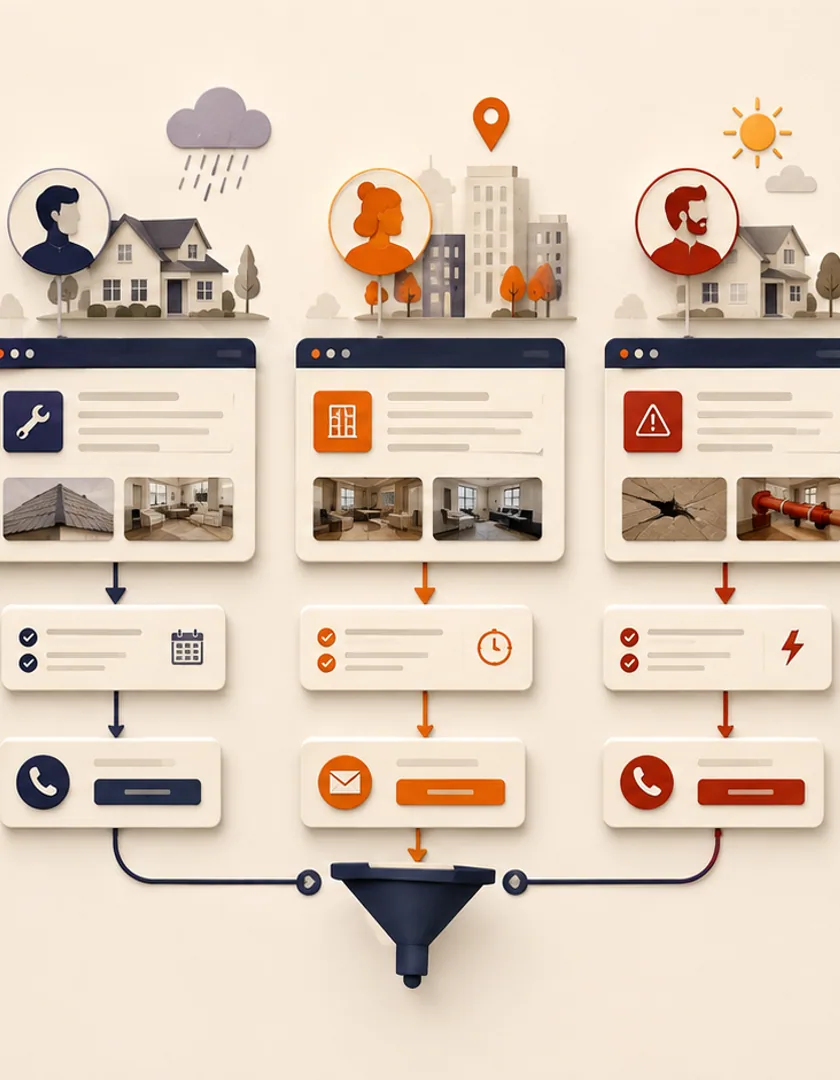
A homeowner comparing renovation services, a property manager with an urgent repair, and a visitor outside the service area should not all be pushed through the same generic contact form. The first may need project examples and budget context, the second needs an urgent-contact route, and the third needs a clear coverage answer before spending time on an enquiry.
Map each path from landing page to decision, supporting evidence, and next step. The website can ask a small number of questions that genuinely change routing—service type, location, timing, and project context—while leaving detailed discovery for a person. This keeps the public form useful without turning it into a procurement questionnaire.
Visual guide
Content answers fit questions first; form fields then collect only what the business needs to route and respond.
Visitor intent
Identify the service, problem, or decision that brought the visitor to the page.
Fit information
Explain scope, coverage, examples, constraints, and expected next step.
Focused enquiry
Ask for details that change qualification, ownership, or response.
Routing
Assign the correct team or provide a clear alternative path.
Follow-up
Confirm receipt and create an owned response task.
Do not judge the page only by submission count. Review which service pages lead to qualified enquiries, where visitors abandon the form, how often routing is corrected, and whether staff can respond with the information provided. A shorter form can increase volume while lowering usefulness; a longer form can reduce completion without improving decisions.
Test the path on mobile, with validation errors, slow connections, keyboard navigation, and missing optional details. Confirm that consent language matches the follow-up process and that sensitive information is not requested before it is needed. The success message should state what was received, what happens next, and how to handle an urgent need.
Practical questions
A shared core form can work, but service-specific questions are useful when they change routing or preparation. Keep the first step short and request deeper details later when necessary.
No. It means giving visitors a clearer path and helping the business respond appropriately. Alternative contact routes can remain available for requests that do not fit the main form.
Continue exploring
Work with Sun Cluster
Sun Cluster designs business websites around clear services, credible proof, mobile usability, and practical enquiry workflows.