
Should credentials be stored in an MT5 settings file?
Avoid placing secrets in distributable configuration or source files. Use the platform and deployment environment's supported secure mechanisms and limit access.
Trading Systems
Organize EA files, inputs, environment details, test evidence, release notes, and operator responsibilities into a repeatable MT5 handoff.

How the workflow connects
An EA file alone does not explain which settings were approved, where it was tested, or how the deployed instance differs from a later copy. A small release package connects source or compiled build, configuration, evidence, environment, and ownership without presenting test results as a performance promise.
Record the EA name, semantic or dated version, source revision where applicable, compiled-file checksum, supported platform build, symbols, timeframe assumptions, and configuration schema version. The manifest provides one identity for the materials being handed over.
Export approved non-secret inputs with types, units, defaults, accepted ranges, and purpose. Keep API credentials, account passwords, and server access outside the package through an agreed secret-delivery method. Label settings that alter live eligibility or order behaviour prominently.
Include scenario results, relevant logs, demo account conditions, known limitations, unresolved issues, and acceptance sign-off. Historical or demo results can reveal implementation behaviour but do not establish future financial performance.
The checklist can cover terminal installation, file placement, configuration import, symbol availability, permissions, logging, notification tests, restart checks, and rollback. Name who owns the account, VPS, platform updates, alert response, backups, and future changes after handoff.
A release manifest should identify the EA or application build, source revision, dependency versions, approved parameter-set checksum, instrument mappings, broker and account mode, terminal build, server timezone, deployment environment, and the verification evidence attached to that combination. Secrets are referenced through secure storage, never embedded in the manifest.
If an operator changes a parameter, save a new configuration version with author, reason, time, and review status. The dashboard or terminal should expose the effective version so a screenshot, log, or incident can be connected to the settings actually in use rather than the latest file in a shared folder.

| Manifest area | Record |
|---|---|
| Software | Build, source revision, dependencies, release notes |
| Configuration | Parameter-set version, checksum, change reason |
| Environment | Broker, account mode, terminal build, server time |
| Verification | Scenarios, observed results, unresolved boundaries |
| Operations | Deployment owner, alerts, support path, rollback |
Deploy the approved software and configuration as one known release, complete the startup checks, and rehearse the rollback path before acceptance. Define the response to a terminal restart, lost connection, expired credential, or broker-side symbol change. Rolling back only the software or only the settings can create another untested combination.
Record the environment and limits of each completed check, then transfer server access, credentials, platform updates, monitoring, and future changes to the agreed owners. Remove access that is no longer required and provide a secure credential-rotation process so the operational handoff is complete as well as the file delivery.
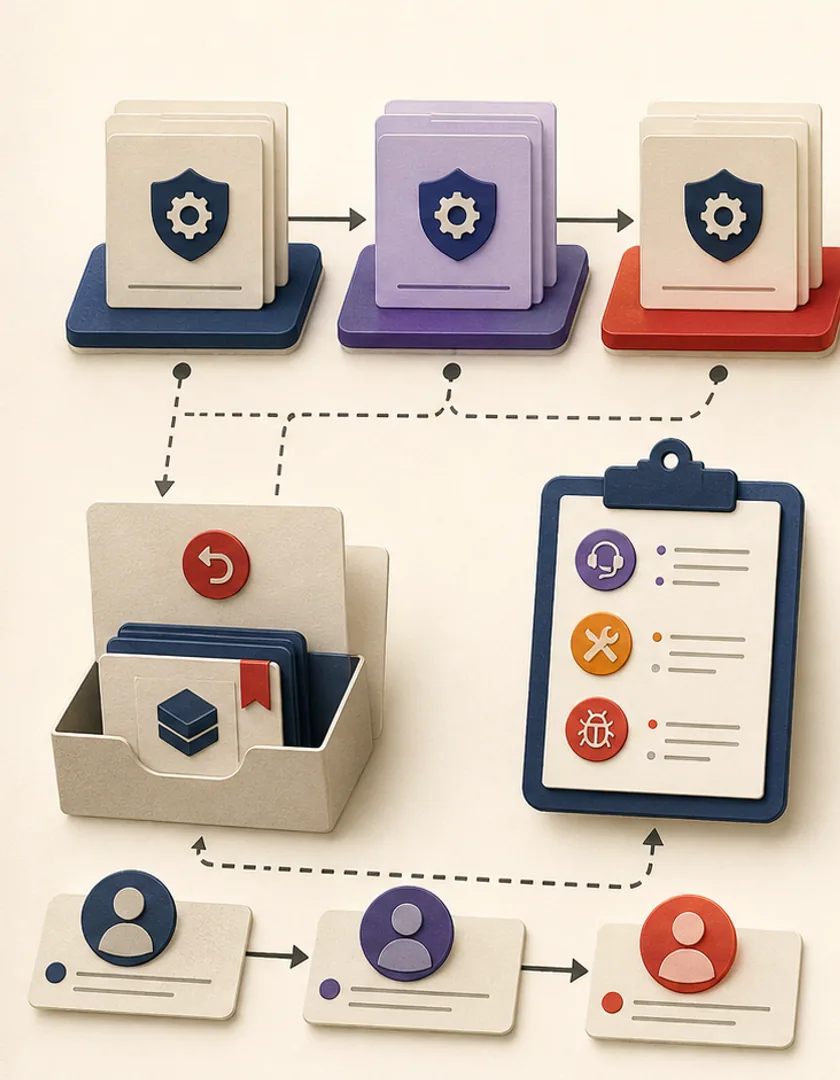
Visual guide
The deliverable includes the evidence and operating responsibilities needed to reproduce or roll back the release.
Package
Known software build, dependencies, and signed-off release notes.
Configuration
Approved parameter set and environment-specific mappings.
Verification
Test scenarios, results, and explicit limitations.
Deployment
Installation, startup checks, access, logs, and alerts.
Ownership
Support, changes, credentials, rollback, and acceptance.
Practical questions
Avoid placing secrets in distributable configuration or source files. Use the platform and deployment environment's supported secure mechanisms and limit access.
Record a new configuration version, reason, approver, and verification scope. Small changes can materially alter client-defined behaviour and should remain traceable.
Continue exploring
Work with Sun Cluster
Sun Cluster builds forex and MT5 automation with controlled configuration, demo verification, deployment documentation, and handoff.